
AI Video Editing Tools 2026: 8 Best AI Subtitle Generators to Add Captions Automatically Without Typing
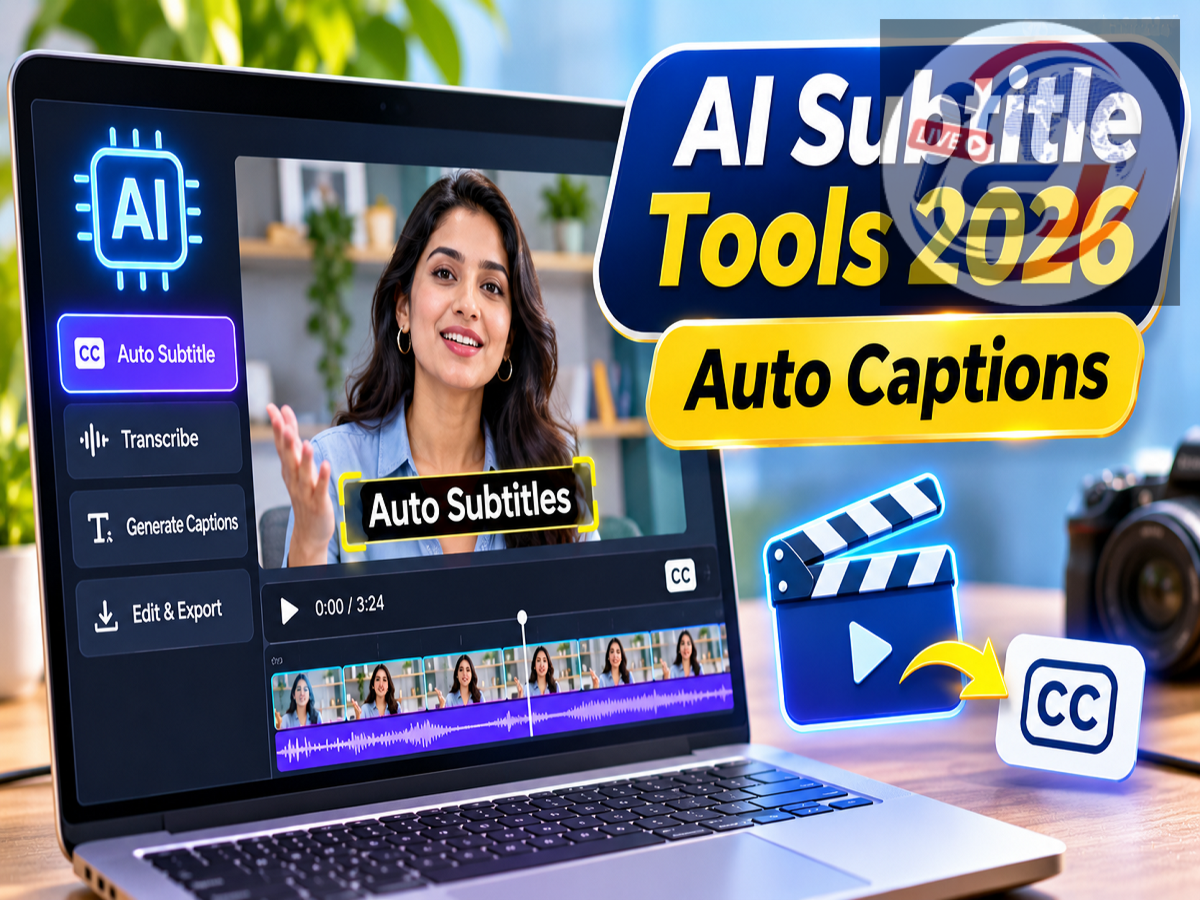
AI Subtitle Generators 2026: Creating engaging videos for Instagram Reels, YouTube Shorts and other social media platforms has become much easier with artificial intelligence. Content creators no longer need to spend hours manually typing every spoken word and synchronising subtitles with video footage. Several AI-powered editing tools can now recognise speech, generate captions automatically and help users customise their appearance.
These applications can also help creators adjust subtitle timing, change fonts, highlight important words and introduce animated text effects.
Whether you produce short social media clips, educational videos, interviews or podcasts, choosing the right AI subtitle generator can save considerable editing time.
Here are eight AI-powered tools and platforms worth exploring in 2026.
Why Are AI Subtitle Generators Becoming Popular?
Video content continues to play an important role across social media, digital publishing and online education.
Subtitles make videos easier to understand, particularly for viewers watching without sound. They can also improve accessibility for people who are deaf or hard of hearing.
Traditionally, adding captions involved listening to the audio, manually transcribing conversations and adjusting each subtitle to match the speaker's timing.
AI-based speech recognition tools can automate much of this process.
However, not every application offers the same capabilities. Some specialise in short videos with animated captions, while others provide advanced transcription and editing features for professional projects.
1. CapCut: Automatic Captions for Instagram Reels and YouTube Shorts
CapCut is a widely used video editing platform offering tools for short-form content creation.
Its Auto Captions feature uses speech recognition technology to convert spoken audio into text.
Once captions are generated, creators can edit the wording, adjust timing and customise their visual appearance.
Depending on the version and platform, CapCut offers different caption styles, animations and text formatting options.
The platform provides editing capabilities across mobile devices, computers and web-based interfaces.
However, availability varies by country, and users in India should verify whether CapCut is officially accessible in their region before choosing it.
Best suited for: Instagram Reels, YouTube Shorts and other short-form social media videos.
2. Instagram Edits: Create Reels and Captions Directly From Your Phone
Instagram Edits is Meta's mobile-focused video creation application.
Designed primarily for social media creators, the app combines video recording, editing and creative tools within a single interface.
Its automatic captioning functionality helps users generate subtitles from spoken audio without manually typing every sentence.
The application also offers caption customisation and, where supported, multilingual caption features.
One advantage of Instagram Edits is its mobile-first workflow, which can be convenient for creators who regularly record and publish videos using smartphones.
Users can prepare videos, apply editing effects and manage captions without relying on a traditional desktop editing setup.
Best suited for: Instagram creators, mobile video editors and people producing frequent Reels.
3. Descript: Edit Podcasts and Long Videos Through Text
Descript offers a different approach to video editing by placing transcription at the centre of the workflow.
Instead of relying entirely on a conventional editing timeline, creators can work with a transcript generated from the video's audio.
This makes it easier to locate specific statements, identify sections of an interview and edit dialogue-heavy content.
Descript supports subtitle and caption workflows, including exporting files in formats such as SRT and VTT.
These formats are useful when creators want to upload captions separately to compatible video platforms.
The software can be particularly helpful for long interviews, podcasts, tutorials and discussion-based videos.
Best suited for: Podcasters, YouTube creators, interview editors and teams producing longer videos.
4. Adobe Premiere Pro: Professional Video Editing With AI Speech-to-Text
Adobe Premiere Pro is a professional video editing application widely used in digital media production.
Its Speech to Text functionality can automatically transcribe spoken audio and generate captions.
Editors can review the transcript, correct mistakes and adjust caption settings within their editing workflow.
The software also provides advanced controls for video timing, audio, graphics and visual effects.
Recent captioning developments include options for creating single-word caption layouts, allowing editors to display individual words sequentially.
This presentation style can be useful for fast-paced videos where text animation is an important visual element.
Because Premiere Pro is a professional editing platform, it may require more learning time than simpler mobile applications.
Best suited for: Professional editors, production companies, YouTube channels and digital news teams.
5. VEED: Generate Subtitles Online Without Installing Editing Software
VEED is a browser-based video editing platform that allows creators to work on videos without installing a large desktop application.
Users can upload footage and use AI-powered tools to generate subtitles from spoken audio.
After transcription, they can review the text, correct errors and adjust subtitle timing.
The platform also provides caption styling options, allowing creators to modify how subtitles appear on screen.
This online approach can be useful for small businesses, educators and content teams that need relatively straightforward editing tools.
Some advanced features, export options and usage allowances may depend on the selected subscription.
Best suited for: Browser-based video editing, small content teams and creators who prefer online tools.
6. Submagic: Create Animated Captions for Short Videos
Submagic focuses on creating visually engaging subtitles for short-form video content.
Many social media videos use large captions, highlighted keywords and animated text to draw attention to important statements.
Submagic provides tools designed around this editing style.
It can automatically generate subtitles and apply visual effects that emphasise selected words.
These features may be useful for talking-head videos, promotional clips and short extracts from podcasts.
The platform is particularly relevant to creators who want captions to function as an active design element rather than simple text displayed at the bottom of the screen.
Best suited for: Animated subtitles, Instagram Reels, YouTube Shorts and podcast highlights.
7. Kapwing: Online Video Editing and AI Captions in One Place
Kapwing is another web-based editing platform offering automatic subtitle generation.
Creators can upload videos, generate captions and edit the resulting text.
The platform also supports adjustments to subtitle appearance and timing.
Its broader editing tools allow users to work on different video formats without moving between several applications.
Kapwing can therefore be useful for teams creating content for multiple social media channels.
Like other online editing services, available features and export limitations may vary between free and paid plans.
Best suited for: Digital content teams, online video editors and creators working across multiple platforms.
8. YouTube Auto Captions: Free Automatic Subtitles for Uploaded Videos
YouTube offers automatic captioning for eligible videos in supported languages.
This feature uses speech recognition technology to identify spoken words and generate subtitles.
For creators who publish primarily on YouTube, the built-in captioning system may reduce the need for a separate subtitle generator.
However, automatic captions can contain mistakes, particularly when audio quality is poor or speakers use technical terminology, unfamiliar names or multiple languages.
Creators can review and edit captions through YouTube Studio where supported.
Unlike tools that embed animated text directly into exported video footage, YouTube's automatic captions generally function as a platform-level subtitle track.
Best suited for: YouTube creators who need basic subtitles without advanced animated text effects.
Best AI Subtitle Generators 2026: Quick Comparison
| Video Type or Requirement |
Suitable AI Tools |
|---|---|
| Instagram Reels |
Instagram Edits, CapCut |
| YouTube Shorts |
CapCut, Submagic |
| Long YouTube Videos |
Descript, Adobe Premiere Pro |
| Podcasts and Interviews |
Descript |
| Professional Video Editing |
Adobe Premiere Pro |
| Browser-Based Editing |
VEED, Kapwing |
| Animated Subtitles |
Submagic |
| Basic YouTube Captions |
YouTube Auto Captions |
The right choice depends on the type of videos you create, your editing experience, platform availability and budget.
How to Add Automatic Subtitles to Videos Using AI
Although individual platforms have different interfaces, the basic caption-generation process is similar.
-
Choose an AI subtitle tool: Select an application based on your video format and editing requirements.
-
Upload your video: Import the footage into the editing platform.
-
Select automatic captions: Look for Auto Captions, Generate Subtitles or a similar option.
-
Choose the audio language: Select the spoken language when the tool provides this setting.
-
Review the transcript: Check names, numbers and other words that speech recognition may have misunderstood.
-
Customise subtitle appearance: Adjust font, size, colour, positioning and timing where supported.
-
Export the final video: Download the edited video or export a subtitle file such as SRT or VTT if available.
Some platforms may require a subscription for particular features or exports.
Common Mistakes to Avoid When Using AI Subtitles
Automatic caption generation can reduce editing time, but it does not guarantee perfect accuracy.
Speech recognition systems may struggle with regional accents, background noise, overlapping speakers and technical vocabulary.
Errors can also occur when the video contains multiple languages or when a speaker talks quickly.
Creators should pay particular attention to names, financial figures, dates and important factual statements.
For news, educational and technical videos, incorrect captions can mislead viewers or change the meaning of the original message.
Subtitle timing is equally important. Captions appearing too early or too late can make videos difficult to follow.
Before publishing, watch the complete edited video and confirm that the subtitles accurately represent the audio.
Which AI Subtitle Tool Should You Choose in 2026?
For creators who primarily publish Instagram Reels, Instagram Edits offers a mobile-focused workflow, while CapCut is another popular option in regions where it is available.
Descript may be more suitable for editing interviews and podcasts because of its transcript-based workflow.
Adobe Premiere Pro provides advanced capabilities for professional video production, while VEED and Kapwing offer browser-based alternatives.
Submagic focuses on animated captions, making it particularly relevant to creators producing short, visually dynamic clips.
Meanwhile, YouTube's built-in automatic captions may be sufficient for creators who simply want basic subtitles on their uploaded videos.
Before choosing a service, users should compare supported languages, export restrictions, pricing, privacy practices and regional availability.
Conclusion
AI subtitle generators are transforming how creators produce and edit video content in 2026.
From short Instagram Reels to lengthy interviews and podcasts, these tools can automatically transcribe speech, generate captions and simplify editing workflows.
CapCut, Instagram Edits, Descript, Adobe Premiere Pro, VEED, Submagic, Kapwing and YouTube Auto Captions each serve different requirements.
Although AI can handle much of the transcription process, human review remains essential for accuracy, particularly when videos contain important factual information.
Choosing a suitable tool and checking the final captions carefully can help creators produce more accessible, professional and engaging videos while saving valuable editing time.