
AI Meeting Minutes: Convert Lengthy Audio Recordings Into Professional Notes, Summaries and Action Plans in Minutes
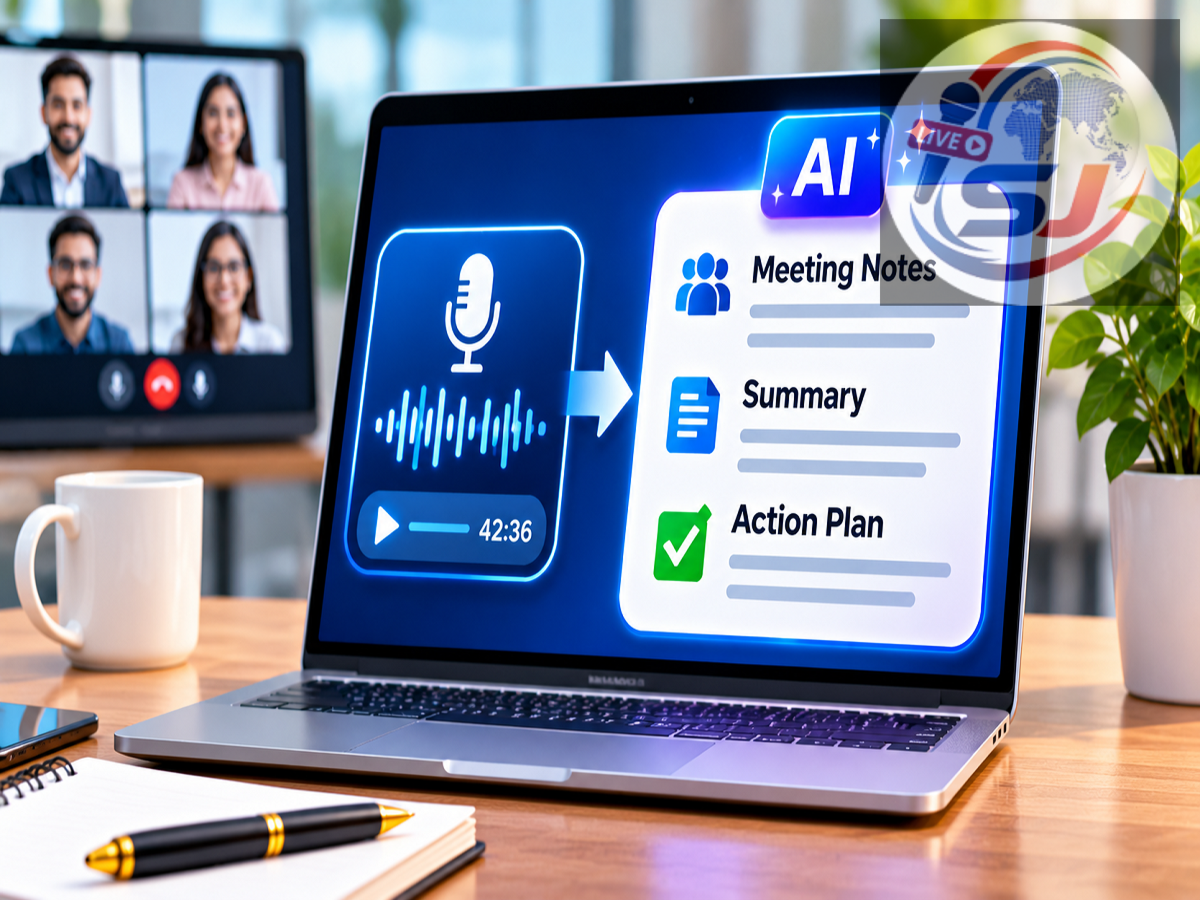
AI Meeting Minutes Guide: Attending lengthy office meetings, business conferences and online discussions is often followed by the time-consuming task of preparing meeting minutes. Listening to an entire audio recording, identifying important discussions and documenting responsibilities can take several hours.
However, artificial intelligence has made this process considerably easier. AI-powered tools such as ChatGPT, Otter.ai and Microsoft Teams Copilot can help professionals convert meeting recordings into structured summaries, identify important decisions and organise action items.
These tools can be particularly useful for business owners, corporate employees, project managers, journalists and administrative professionals who regularly prepare meeting reports.
With the right AI tools and detailed prompts, users can reduce manual documentation work and prepare professional meeting minutes more efficiently.
How Does AI Convert Audio Recordings Into Meeting Minutes?
AI-powered meeting assistants generally use speech recognition and natural language processing to convert spoken conversations into written documents.
The process typically involves converting audio into a text transcript, identifying important discussion points and organising the information into a structured format.
Depending on the platform, AI tools can help users extract:
-
Important discussion points.
-
Meeting objectives and outcomes.
-
Decisions and approvals.
-
Tasks assigned to individual employees.
-
Project deadlines and commitments.
-
Pending issues and follow-up requirements.
-
Speaker-wise discussion summaries.
However, AI-generated meeting minutes should always be reviewed before being circulated officially.
Best AI Tools for Preparing Meeting Minutes
Several AI-powered platforms offer transcription, summarisation and meeting documentation facilities.
| AI Tool |
Primary Features |
|---|---|
| ChatGPT |
Transcript summarisation, professional meeting minutes and action items |
| Otter.ai |
Audio transcription, speaker identification and meeting summaries |
| Microsoft Teams Copilot |
Meeting recaps, decisions and action item extraction |
| Fireflies.ai |
Meeting transcription, searchable notes and summaries |
| Fathom |
Online meeting recording and AI-generated summaries |
| tl;dv |
Meeting transcription, highlights and summaries |
| Notta |
Audio-to-text conversion and meeting documentation |
| Google Gemini |
Transcript analysis, summaries and structured reports |
The availability of recording, transcription and summarisation features may depend on the subscription plan and platform permissions.
How to Convert Meeting Recordings Into Minutes Using ChatGPT
ChatGPT can help organise lengthy meeting transcripts into professional Minutes of Meeting (MoM) documents.
Step 1: Prepare the Meeting Recording
Save your meeting recording in an audio format supported by your chosen transcription service, such as MP3, WAV or M4A.
Ensure that the recording is reasonably clear and contains minimal background noise.
Step 2: Convert Audio Into Text
Use an AI transcription service such as Otter.ai, Notta or a Whisper-based transcription application to convert the audio recording into written text.
If your ChatGPT interface supports the relevant audio upload and processing capabilities, you may also be able to work directly with the recording.
Step 3: Upload the Meeting Transcript
Open ChatGPT and upload the transcript as a supported text, Word or PDF document. Alternatively, paste the transcribed conversation into the chat window.
For exceptionally long transcripts, divide the document into manageable sections and combine the summaries afterward.
Step 4: Enter a Detailed Meeting Minutes Prompt
Provide clear instructions regarding the structure and information you want to extract.
AI Prompt for Professional Meeting Minutes
Act as an experienced corporate meeting coordinator. Analyse the supplied meeting transcript and prepare a professional Minutes of Meeting document. Include the meeting title, date, participants, agenda, executive summary, major discussion points, confirmed decisions, assigned responsibilities, deadlines, pending issues and follow-up requirements. Present action items in a structured table. Remove repetitive conversations and irrelevant discussions without changing the original meaning. Do not invent information. Clearly mark missing or uncertain details as "Not Specified."
Copy prompt
Step 5: Review and Export the Meeting Minutes
Carefully verify the generated document, particularly employee names, financial figures, deadlines and important commitments.
Once reviewed, the meeting minutes can be transferred into Microsoft Word, Google Docs or an email for official circulation.
How to Generate Meeting Minutes Using Otter.ai
Otter.ai is an AI-powered transcription platform designed to convert spoken conversations into written notes.
Users can follow these steps:
-
Visit otter.ai and create an account.
-
Select the audio import or recording option.
-
Upload the meeting recording.
-
Allow the platform to generate a transcript.
-
Review speaker identification and important discussion points.
-
Generate or access the available meeting summary.
-
Export the transcript or notes using supported options.
Otter.ai may also provide automated meeting assistance for compatible online meeting platforms, subject to account settings and subscription requirements.
How to Prepare Meeting Summaries Using Microsoft Teams Copilot
Organisations using Microsoft Teams can access AI-powered meeting assistance through eligible Microsoft 365 Copilot features.
Depending on organisational settings, licensing and transcription availability, Copilot can help participants review discussions, identify decisions and understand assigned responsibilities.
Users can open the relevant meeting in Microsoft Teams, access the available recap or Copilot interface and request a summary of the discussion.
They can also ask questions such as:
-
What were the major decisions taken during the meeting?
-
Which tasks were assigned to each department?
-
What deadlines were discussed?
-
Which issues remain unresolved?
-
What topics require further discussion?
These features can help employees review lengthy meetings without manually listening to the entire recording.
Five Useful AI Prompts for Meeting Documentation
1. Executive Meeting Summary
Summarise this meeting transcript into a concise executive report. Highlight the meeting objectives, significant discussions, confirmed decisions, business challenges and next steps. Exclude unnecessary conversations and retain all important financial figures and deadlines.
Copy prompt
2. Employee Responsibilities and Action Items
Extract all confirmed action items from this meeting transcript. Create a table containing the task description, responsible person, department, deadline and dependencies. Do not assign responsibilities or deadlines that were not explicitly mentioned.
Copy prompt
3. Business Meeting Follow-Up Email
Convert these meeting notes into a professional follow-up email. Include a brief meeting summary, confirmed decisions, assigned responsibilities, agreed deadlines and pending approvals. Maintain a polite and professional corporate tone.
Copy prompt
4. Department-Wise Meeting Report
Analyse this meeting transcript and organise the discussion into department-wise sections. Identify operational challenges, approved activities, departmental responsibilities, financial commitments and follow-up requirements. Clearly distinguish proposals from confirmed decisions.
Copy prompt
5. Detailed Project Review Meeting Minutes
Prepare a comprehensive project review report from this transcript. Include project progress, completed milestones, pending deliverables, budget discussions, risks, dependencies, confirmed deadlines and responsibilities. Flag any conflicting or unclear information for manual verification.
Copy prompt
Sample Format for AI-Generated Minutes of Meeting
A professionally prepared meeting document should present important information in an organised and easily understandable format.
| Meeting Component |
Information to Include |
|---|---|
| Meeting title |
Name or purpose of the meeting |
| Date and time |
Meeting schedule |
| Participants |
Names and designations |
| Meeting agenda |
Topics scheduled for discussion |
| Executive summary |
Overview of the meeting |
| Discussion points |
Important conversations |
| Key decisions |
Confirmed decisions and approvals |
| Action items |
Tasks assigned to participants |
| Deadlines |
Agreed completion dates |
| Pending matters |
Unresolved issues |
| Next meeting |
Follow-up schedule, if confirmed |
Sample Action Item Tracker
| Action Item |
Responsible Department |
Deadline |
Status |
|---|---|---|---|
| Prepare monthly revenue report |
Finance |
December 2, 2026 |
Pending |
| Resolve website technical issues |
IT |
December 4, 2026 |
In progress |
| Submit marketing campaign proposal |
Marketing |
December 5, 2026 |
Pending |
| Review customer feedback |
Operations |
December 7, 2026 |
Pending |
| Finalise annual business plan |
Management |
December 10, 2026 |
Pending |
The above table contains fictional examples for demonstrating the meeting minutes format.
Common Mistakes to Avoid When Using AI for Meeting Minutes
Although AI tools can significantly reduce documentation time, they may occasionally misunderstand conversations or generate inaccurate summaries.
Users should avoid uploading poor-quality recordings, providing incomplete instructions or accepting generated summaries without verification.
It is particularly important to distinguish between suggestions, proposed activities and officially approved decisions. AI may incorrectly interpret a casual discussion as a confirmed commitment.
Names, financial amounts, dates, technical terminology and assigned responsibilities should always be cross-checked against the original recording.
Protect Confidential Business Information While Using AI
Meeting recordings may contain sensitive financial information, employee details, customer records and confidential business strategies.
Before uploading recordings to an external AI platform, users should obtain appropriate recording permissions, review their organisation's data protection policies and understand the platform's privacy and data retention practices.
Confidential corporate meetings should preferably be processed using organisation-approved AI services with suitable security and access controls.
Artificial intelligence can make meeting documentation faster, more organised and less dependent on manual transcription. By combining accurate audio transcription, detailed AI prompts and human verification, professionals can prepare reliable meeting minutes and improve accountability across their organisations.
Disclaimer: AI-generated transcripts and meeting summaries may contain errors. Platform features, audio upload limits, subscription requirements and interface options may vary. The additional prompts, sample tables and platform instructions are explanatory additions and have not been independently tested for this article.