
Aadhaar Virtual ID: Protect Your 12-Digit Aadhaar Number With a 16-Digit VID, Know How to Generate It Online
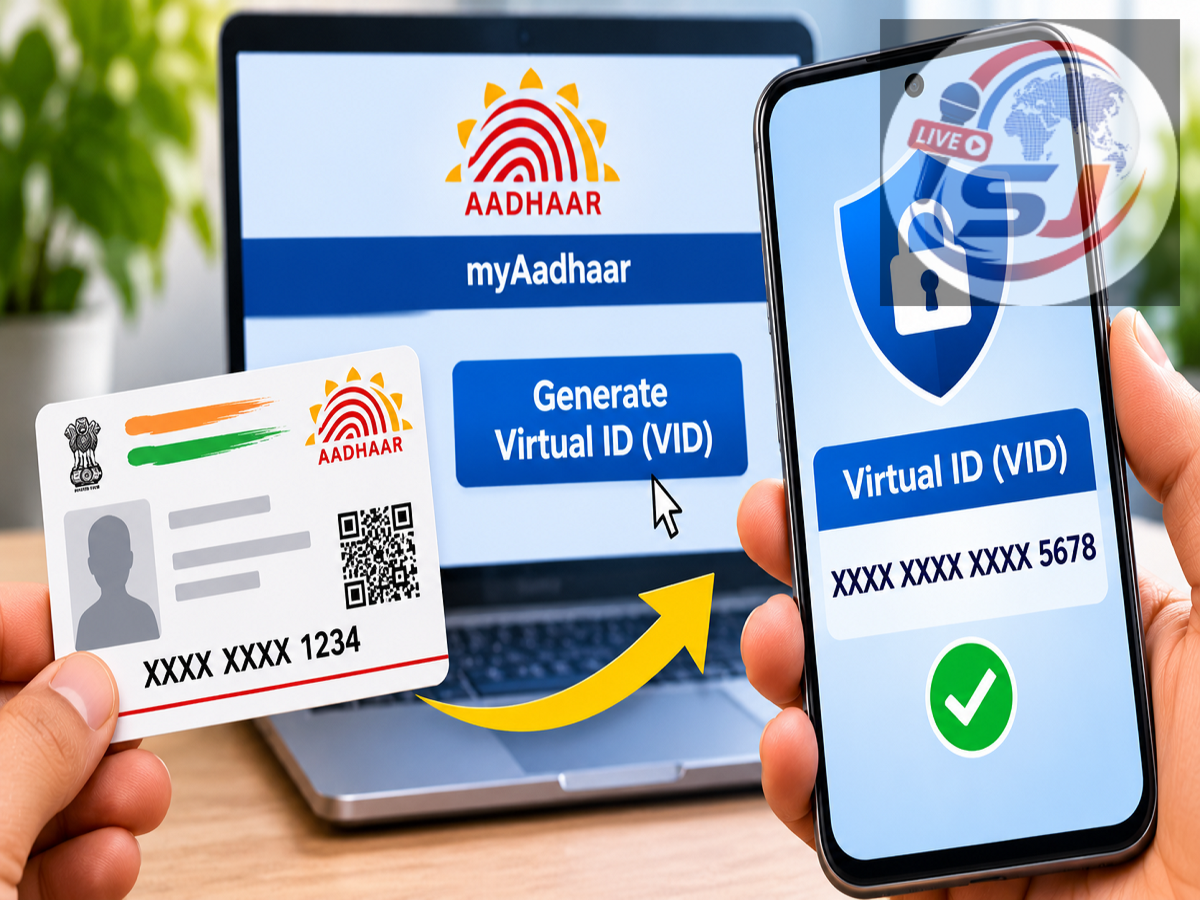
Aadhaar Virtual ID Generation Guide: Aadhaar has become an essential identity document for millions of Indians. From opening bank accounts and obtaining mobile connections to completing digital KYC and accessing government welfare schemes, Aadhaar is widely used for identity verification.
However, repeatedly sharing your original 12-digit Aadhaar number with different organisations could increase the risk of personal information being exposed or misused.
To strengthen privacy and improve identity security, the Unique Identification Authority of India (UIDAI) provides a facility called Virtual ID (VID). This 16-digit identification number can be used instead of the original Aadhaar number for supported authentication and e-KYC services.
Aadhaar holders can generate their Virtual ID from home without submitting additional documents.
What Is Aadhaar Virtual ID and How Does It Work?
Aadhaar Virtual ID is a temporary, revocable 16-digit number linked to an individual's Aadhaar number.
It allows users to complete supported identity authentication processes without directly disclosing their original 12-digit Aadhaar number.
The Virtual ID cannot be used to derive the original Aadhaar number. Users can also generate a replacement VID whenever permitted under UIDAI's rules, automatically invalidating the previous one.
Aadhaar Number vs Virtual ID: Key Differences
| Particulars |
Aadhaar Number |
Virtual ID (VID) |
|---|---|---|
| Number of digits |
12 digits |
16 digits |
| Nature |
Permanent |
Temporary and replaceable |
| Can be regenerated |
No |
Yes |
| Identity authentication |
Supported |
Supported where VID is accepted |
| Privacy protection |
Original number may be disclosed |
Reduces disclosure of original number |
| Validity |
Permanent, subject to applicable rules |
Until replaced with a new VID |
| Generation charges |
Not applicable |
Free |
Four Ways to Generate Aadhaar Virtual ID
UIDAI offers multiple digital channels for generating and retrieving a Virtual ID.
1. Generate Aadhaar VID Through the myAadhaar Portal
Individuals can create their Virtual ID through UIDAI's official online platform by following these steps:
-
Visit myaadhaar.uidai.gov.in.
-
Locate and select the VID Generator option.
-
Enter your 12-digit Aadhaar number.
-
Complete the CAPTCHA verification.
-
Request an OTP on your Aadhaar-registered mobile number.
-
Enter the OTP to complete authentication.
-
Select the option to generate a new Virtual ID.
Once the process is completed successfully, the generated VID can be delivered to your registered mobile number through SMS.
Users can also retrieve their existing Virtual ID through the available retrieval option.
2. Create Virtual ID Using the mAadhaar App
Smartphone users can access supported Aadhaar services through the official mAadhaar application.
Open the application, navigate to the services section and locate the Virtual ID generation facility. Enter the required Aadhaar details and complete OTP verification to generate your VID.
The availability and placement of individual features may vary depending on the application version.
3. Generate Aadhaar VID Through SMS Without Internet
Individuals without an active internet connection can use UIDAI's SMS-based service from their Aadhaar-registered mobile number.
To generate a new Virtual ID, type the following message:
GVID 1234
Replace 1234 with the last four digits of your Aadhaar number and send the message to 1947.
To retrieve an existing Virtual ID, use the following format:
RVID 1234
Send the message to the same number.
| Service |
SMS Format |
Send To |
|---|---|---|
| Generate new Virtual ID |
GVID followed by the last four Aadhaar digits |
1947 |
| Retrieve existing Virtual ID |
RVID followed by the last four Aadhaar digits |
1947 |
4. Seek Assistance at an Aadhaar Seva Kendra
Individuals who do not have a registered mobile number or face difficulties accessing online Aadhaar services can visit their nearest Aadhaar Seva Kendra.
Centre officials can assist with mobile number registration, Aadhaar updates and guidance regarding VID generation.
Users should confirm whether direct VID generation assistance is available at their chosen centre.
Where Can You Use Aadhaar Virtual ID?
The 16-digit Virtual ID can be used for Aadhaar authentication and e-KYC transactions wherever the service provider supports VID-based verification.
Potential applications include:
-
Opening bank accounts and completing bank KYC.
-
Obtaining new mobile SIM connections.
-
Verifying identity for supported government welfare services.
-
Completing eligible EPFO and insurance-related authentication.
-
Accessing supported digital identity platforms.
-
Unlocking a locked Aadhaar number through UIDAI services.
-
Completing supported identity verification for PAN and other documentation services.
However, VID is an authentication alternative and may not replace the original Aadhaar number in every statutory or documentation requirement.
Major Benefits of Using Aadhaar Virtual ID
Improved Personal Data Privacy
Using a Virtual ID reduces the need to disclose your permanent Aadhaar number during supported authentication transactions. This can help minimise unnecessary exposure of sensitive identity information.
Easy Replacement Facility
Unlike the original Aadhaar number, a Virtual ID can be replaced. Once a new VID is generated, the previous number becomes invalid.
No Additional Documentation Required
Users do not need to submit fresh identity or address documents to generate a Virtual ID through the standard online process.
Completely Free Service
UIDAI does not charge Aadhaar holders for generating or retrieving their Virtual ID through its official digital channels.
How Long Does an Aadhaar Virtual ID Remain Valid?
There is no fixed maximum validity period for an Aadhaar Virtual ID. It generally remains active until the Aadhaar holder generates a replacement.
There is also no specified lifetime limit on the number of times a person can generate a new VID.
However, UIDAI's minimum validity restriction generally allows a replacement VID to be generated after the applicable calendar-day restriction has passed.
Once a replacement is issued, the previous Virtual ID automatically becomes inactive.
Important Safety Tips for Aadhaar Users
Although Virtual ID provides an additional layer of privacy, it does not eliminate every possibility of identity fraud.
Users should avoid sharing Aadhaar OTPs with unknown individuals, refrain from entering personal information on unofficial websites and never respond to suspicious messages requesting Aadhaar credentials.
Always use UIDAI's official website or authorised applications for Aadhaar-related services.
For individuals who frequently complete digital KYC or identity verification, generating a Virtual ID can be a convenient way to reduce unnecessary disclosure of their permanent Aadhaar number while accessing supported services.