
Aadhaar Email Update 2026: Free Service Ends December 31, ₹75 Fee May Apply From January 1
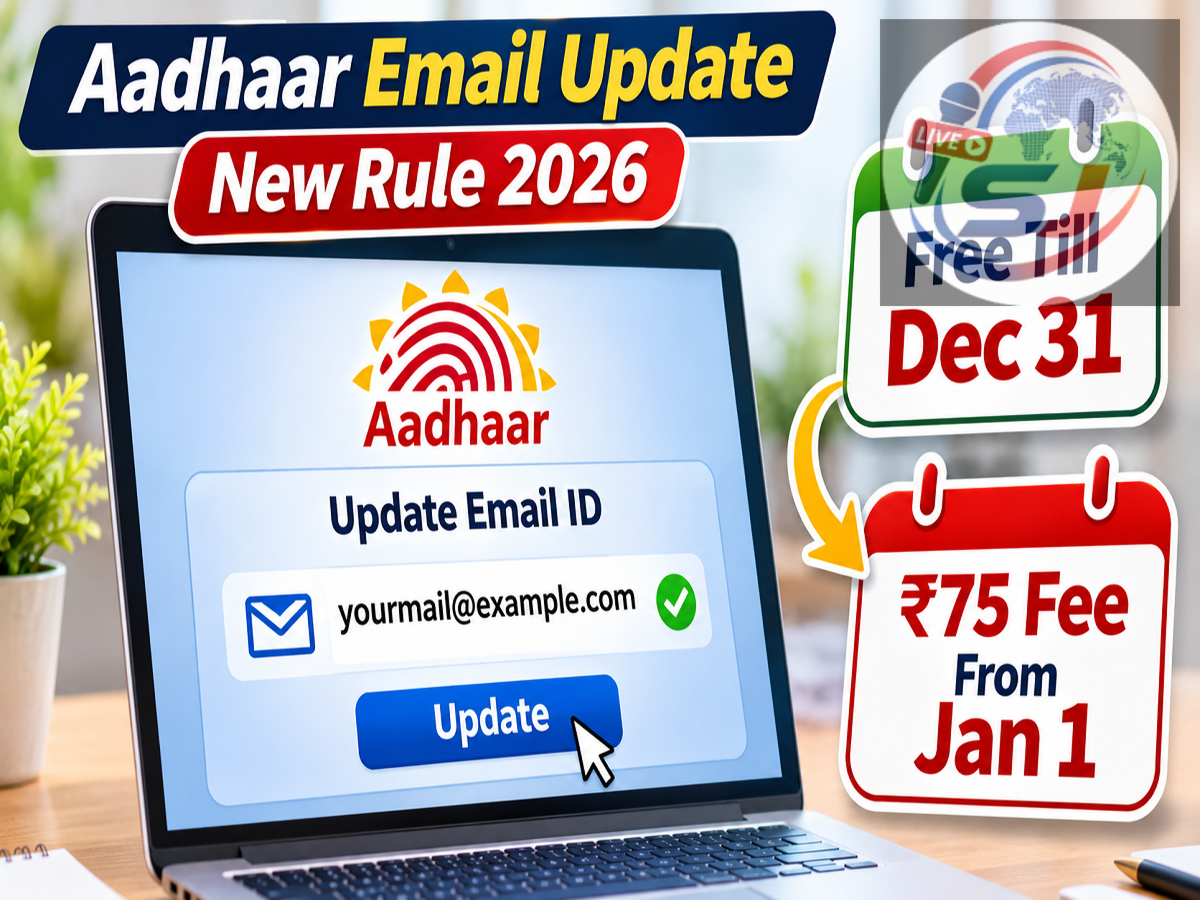
Aadhaar Free Email Update Deadline 2026: Aadhaar cardholders who want to register a new email address or replace an outdated one have an opportunity to complete the process without paying an update fee. According to a report published by Live Hindustan on November 6, 2026, the Unique Identification Authority of India (UIDAI) is offering free email addition and correction through its new Aadhaar App until December 31, 2026.
The report states that a ₹75 charge will apply after the free-update period ends. Eligible users can submit their requests from home using the official Aadhaar App, without visiting an Aadhaar enrolment centre.
The process involves verification through the Aadhaar-linked mobile number, an OTP sent to the new email address and facial authentication.
However, users should confirm the applicable deadline and charges through UIDAI's official channels, as the reported fee arrangement has not been independently verified here.
Aadhaar Free Email Update: December 31, 2026 Deadline
Keeping Aadhaar contact information accurate is important for individuals who use Aadhaar-related digital services.
An outdated email address can create difficulties when receiving certain electronic communications or maintaining correct contact records.
The November 6 report states that UIDAI's new Aadhaar App allows eligible users to add or change their email address without paying a service charge until the end of December 2026.
The reported arrangement is summarised below.
| Aadhaar Email Update Details |
Reported Information |
|---|---|
| Free update deadline |
December 31, 2026 |
| Current promotional charge |
₹0 |
| Reported fee from January 1, 2027 |
₹75 |
| Application method |
New Aadhaar App |
| Verification requirements |
Mobile OTP, email OTP and face authentication |
The deadline applies to the email update facility described in the report. It should not be confused with other Aadhaar update services, which may have different charges and eligibility conditions.
Why Should You Keep Your Aadhaar Email Address Updated?
Aadhaar is widely used for identity verification across government and private-sector services.
While a registered mobile number is especially important for Aadhaar OTP authentication, maintaining a current email address can also be useful.
An updated email address helps ensure that contact information associated with Aadhaar remains accurate.
It may also support the receipt of relevant electronic communications where email delivery is offered.
People who have stopped using an old email account, changed their primary email address or never registered an email with Aadhaar may wish to review their records.
However, registering an email address does not replace the requirement for a mobile number in services that specifically use mobile OTP verification.
What Do You Need to Update Your Aadhaar Email Online?
Before starting the process, applicants should make sure they have access to the required information and devices.
The reported app-based procedure requires an official Aadhaar App installed on a compatible smartphone.
Users also need access to the mobile number registered with Aadhaar because an OTP may be required during login.
A working email address is necessary to receive and verify the confirmation code sent during the update process.
The application also uses facial authentication, which requires access to the smartphone's camera.
The basic requirements include:
-
An official UIDAI Aadhaar App.
-
A smartphone with a functioning front camera.
-
Your Aadhaar number or an existing app login.
-
Access to your Aadhaar-registered mobile number.
-
An active new email address.
-
Internet connectivity for verification and submission.
Users who cannot access their registered mobile number may need to resolve that issue before using the app-based service.
How to Change Aadhaar Email ID Using the New Aadhaar App
According to the process described by Live Hindustan, eligible users can submit an email addition or update request through the application.
Step 1: Download or Open the Aadhaar App
Install the official Aadhaar App published by UIDAI. Existing users can log in using their six-digit app PIN or supported device authentication.
Step 2: Complete Aadhaar Login Verification
First-time users should follow the registration instructions displayed in the app. Enter the OTP sent to the Aadhaar-linked mobile number when prompted.
Step 3: Select Email Add/Update
Open the Services section and choose Email Add/Update, if the feature is available for your account.
Step 4: Enter and Verify the New Email Address
Type the email address you want to associate with Aadhaar. Check your inbox for the verification OTP and enter it in the app.
Step 5: Complete Face Authentication and Submit
Follow the on-screen facial verification instructions, review the new email address and submit the request.
The exact interface may differ depending on the installed version of the Aadhaar App and the availability of the service.
How Does Aadhaar Face Authentication Work?
Facial authentication is an identity verification method that uses a live facial image captured through a compatible device.
During the reported email update process, users are asked to follow instructions displayed on their smartphone screen.
The application uses the camera to complete the required identity verification.
Users should ensure that their face is clearly visible and that lighting conditions are suitable.
They should also use only the official UIDAI application and any authorised components required by the service.
Facial authentication should never be attempted through unknown websites or applications claiming to provide unofficial Aadhaar updates.
Will Aadhaar Email Update Be Charged ₹75 After December 31?
The Live Hindustan report states that the current free email update arrangement will end on December 31, 2026.
It further reports that a ₹75 fee will apply from January 1, 2027.
However, users should treat this as a reported fee schedule until they confirm it against UIDAI's official notifications.
Aadhaar service charges can differ depending on the type of update and the method used.
For example, an email update, mobile number correction and demographic information change may be subject to different service conditions.
Before making any payment, applicants should check the fee displayed by the official application or published by UIDAI.
What If You Cannot Access Your Aadhaar-Linked Mobile Number?
Access to the registered mobile number is important because the app-based process described in the report involves OTP authentication.
If the registered number has been disconnected, lost or transferred to another person, the applicant may be unable to complete the required verification.
In such cases, the first step is to confirm the official procedure for updating the Aadhaar-linked mobile number.
Depending on the circumstances and available authentication options, visiting an authorised Aadhaar enrolment or update centre may be necessary.
Users should avoid sharing Aadhaar OTPs or personal information with third-party agents offering to bypass verification requirements.
How to Check Whether Your Aadhaar Email Update Was Successful
After submitting the request, users should save any acknowledgement or reference number generated by the application.
The submission of a request does not necessarily mean the update has been completed immediately.
Applicants should check the request status through the official Aadhaar App or the relevant UIDAI service.
Where supported, they may also use the myAadhaar Portal to access available Aadhaar-related services.
If an update remains pending or an error appears, users can contact UIDAI through its official helpline at 1947.
Important Safety Tips for Aadhaar Email Updates
Aadhaar cardholders should remain cautious about fraudulent websites and messages advertising free updates.
Scammers may attempt to exploit approaching deadlines by sending fake payment links or requesting confidential information.
Users should download the Aadhaar App only from trusted app stores and verify that the publisher is UIDAI.
They should never share OTPs, app PINs, banking passwords or UPI PINs with unknown individuals.
It is also important to avoid entering Aadhaar details on websites received through unsolicited messages.
For official information, visit UIDAI's website.
Aadhaar Email Update 2026: Key Takeaways
The reported free Aadhaar email update facility offers eligible users a convenient opportunity to add or replace an email address through the new Aadhaar App.
According to the November 6, 2026 report, the service will remain free until December 31, after which a ₹75 fee may apply.
The described process involves logging into the application, selecting Email Add/Update, verifying the new email address through an OTP and completing facial authentication.
Users who want to take advantage of the reported free-update period should check the latest UIDAI instructions before submitting their requests.
Disclaimer: The December 31 deadline and ₹75 fee are reported by Live Hindustan and have not been independently confirmed against a current UIDAI notification. Always verify the latest charges and service availability through official UIDAI channels.