
Ration Card Aadhaar e-KYC Failed? Check How to Fix OTP Problems and Complete Verification Without OTP
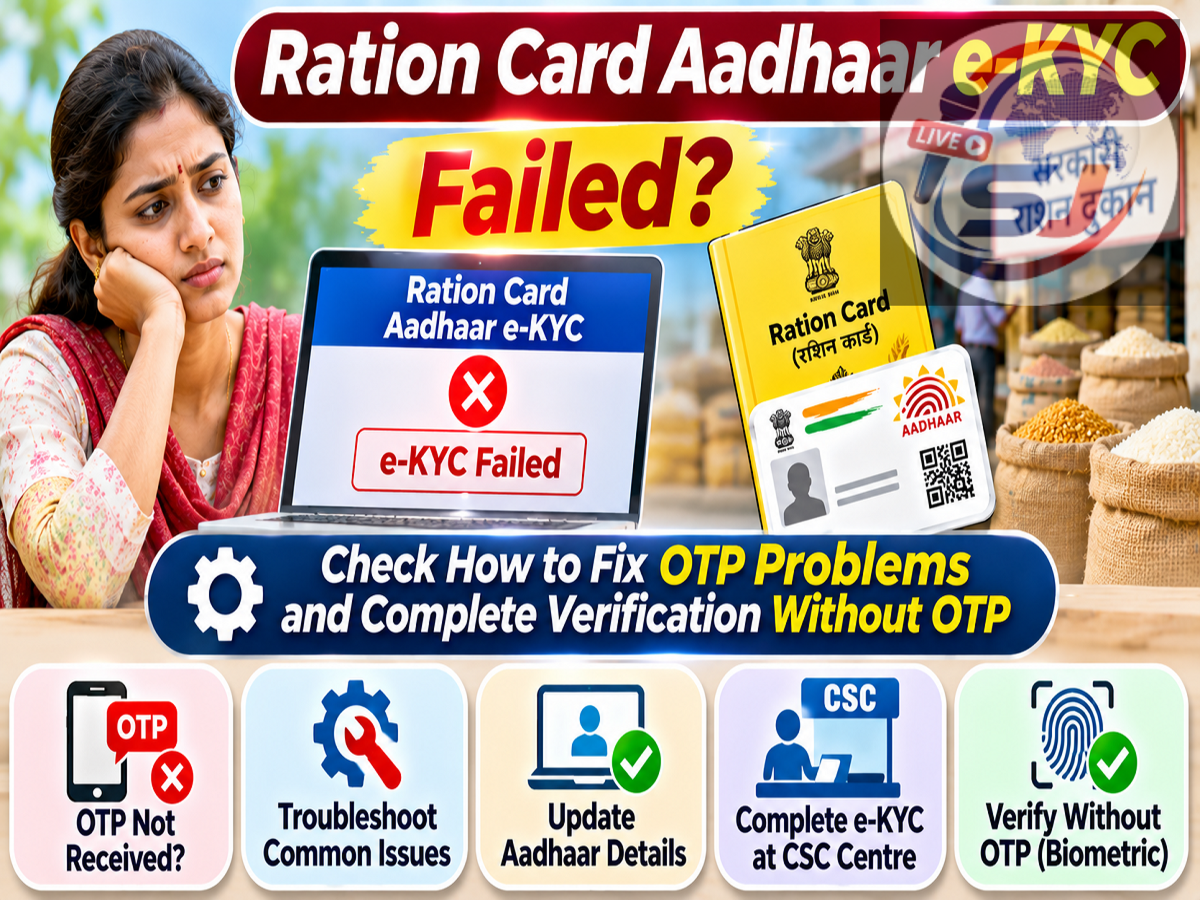
Ration Card Aadhaar e-KYC Update 2026: Many ration card beneficiaries across India face difficulties while completing Aadhaar-based electronic Know Your Customer (e-KYC) verification. One of the most common complaints is that the One-Time Password (OTP) does not arrive on the registered mobile number, preventing beneficiaries from completing the authentication process.
In some cases, delayed OTP delivery, outdated mobile numbers, technical errors and repeated verification attempts can create additional problems.
However, beneficiaries facing these issues should not panic. Several troubleshooting methods can help resolve OTP-related difficulties. Depending on the facilities available under the respective state's Public Distribution System (PDS), beneficiaries may also be able to complete verification through biometric authentication at an authorised ration shop.
Here is a detailed guide explaining why Aadhaar OTP verification fails and how ration card holders can resolve the problem.
Why Is Your Ration Card e-KYC OTP Not Arriving?
Several technical and registration-related issues can prevent beneficiaries from receiving an Aadhaar authentication OTP.
Identifying the actual reason can help individuals complete their ration card e-KYC without unnecessary delays.
| Possible Reason |
Explanation |
|---|---|
| Mobile number not registered |
Aadhaar does not have a registered mobile number |
| Outdated mobile number |
OTP is being sent to an old or inactive number |
| Weak mobile network |
Poor connectivity may delay SMS delivery |
| Excessive OTP requests |
Repeated attempts may trigger temporary restrictions |
| Server-related problems |
Aadhaar or ration card authentication systems may face technical issues |
| Incorrect Aadhaar number |
Incorrect details may prevent successful authentication |
| Mobile SMS issues |
Device or telecom-related problems may affect message delivery |
Beneficiaries should check these possible causes before requesting another OTP.
1. Check Whether Your Current Mobile Number Is Linked With Aadhaar
The first step is to confirm whether your active mobile number is registered in UIDAI's Aadhaar database.
If your Aadhaar is linked to an old mobile number that you no longer use, the authentication OTP will not arrive on your current number.
How to Verify Your Aadhaar-Linked Mobile Number
Follow these steps to check whether a particular mobile number is registered with Aadhaar:
-
Visit the official UIDAI website at uidai.gov.in.
-
Navigate to the My Aadhaar or Aadhaar Services section.
-
Select the Verify Email/Mobile Number facility.
-
Enter your Aadhaar number and the mobile number you wish to verify.
-
Complete the required security verification.
-
Check the verification result displayed on the screen.
The service helps confirm whether the mobile number entered matches UIDAI's records. It does not necessarily reveal your complete registered mobile number.
2. Check Mobile Network and SMS Settings
Poor network connectivity can sometimes delay the delivery of Aadhaar authentication messages.
Before attempting another e-KYC request, beneficiaries can try the following troubleshooting measures:
-
Ensure that the registered SIM card is active.
-
Check whether the mobile phone has sufficient network coverage.
-
Turn Airplane Mode on and off.
-
Restart the smartphone.
-
Check whether incoming SMS services are functioning.
-
Ensure that verification messages are not being blocked.
-
Move to an area with better mobile network coverage.
-
Wait for a few minutes before requesting another OTP.
If other SMS messages are also not arriving, contact your telecom service provider to check whether there is a network or SIM-related problem.
3. Avoid Requesting Aadhaar OTP Repeatedly
Requesting multiple OTPs within a short period may trigger temporary security restrictions in the Aadhaar authentication system.
According to the supplied report, generating five OTP requests within 30 minutes without successful authentication may result in error code 953 during a subsequent attempt.
The system may temporarily restrict further OTP requests for approximately 30 minutes.
Instead of continuously requesting new verification codes, beneficiaries should wait before attempting authentication again.
These security restrictions are intended to prevent misuse of Aadhaar authentication services and excessive verification requests.
4. Enter the Correct 12-Digit Aadhaar Number
An incorrectly entered Aadhaar number can also prevent the ration card e-KYC process from being completed.
Beneficiaries should carefully check all 12 digits before submitting an authentication request.
Households completing e-KYC for multiple family members should ensure that each beneficiary's Aadhaar number corresponds to the correct ration card record.
Incorrect or mismatched information may require additional verification through the authorised ration dealer or the local food and civil supplies department.
5. Retry Verification After Temporary Server Problems Are Resolved
Sometimes, OTP delivery failures may occur because of temporary technical problems affecting UIDAI's authentication infrastructure or the state's ration card verification platform.
If the registered mobile number is correct and network connectivity is functioning normally, beneficiaries can wait for some time before attempting the process again.
Persistent verification failures should be reported to the authorised ration dealer or the concerned food and civil supplies office.
Can Ration Card e-KYC Be Completed Without an OTP?
Beneficiaries who cannot receive an Aadhaar OTP may be able to complete their ration card e-KYC through alternative authentication methods.
Depending on the state's PDS infrastructure and available facilities, authorised ration shops may support biometric verification through electronic Point of Sale (e-PoS) devices.
Alternative Aadhaar Authentication Methods
| Authentication Method |
Requirement |
|---|---|
| Fingerprint authentication |
Registered biometric verification device |
| Iris authentication |
Supported iris scanning equipment |
| Face authentication |
Compatible application and authorised facility |
| OTP authentication |
Active Aadhaar-linked mobile number |
| Department-approved alternative verification |
As per applicable state government guidelines |
The availability of these methods may differ across states and ration shops.
Beneficiaries should contact their authorised ration dealer to confirm which verification options are supported.
What Should Ration Dealers Do if Aadhaar e-KYC Fails?
Ration dealers can help beneficiaries resolve authentication-related difficulties by checking the available verification options and ensuring that their e-PoS devices are functioning correctly.
Where permitted, dealers can assist beneficiaries with fingerprint-based authentication or other authorised verification methods.
If biometric authentication repeatedly fails, the dealer should guide the beneficiary towards the appropriate food supply office or department-approved exception-handling procedure.
Dealers should follow applicable government instructions and should not automatically deny eligible beneficiaries their foodgrain entitlements solely because of technical authentication failures.
How to Update Your Registered Mobile Number in Aadhaar
Individuals whose old mobile number is inactive or who have never registered a mobile number with Aadhaar can visit an authorised Aadhaar enrolment and update centre.
The following procedure can help them update their contact information:
-
Locate your nearest authorised Aadhaar Seva Kendra.
-
Carry your Aadhaar card or Aadhaar number.
-
Request a mobile number update.
-
Provide the new active mobile number.
-
Complete the required biometric authentication.
-
Pay the applicable UIDAI service charge.
-
Collect the acknowledgement receipt and update request number.
Once the mobile number update has been successfully processed, beneficiaries can attempt OTP-based ration card e-KYC again.
Important Safety Tips for Ration Card Beneficiaries
Beneficiaries should use only authorised government portals and registered ration dealers when completing Aadhaar authentication.
Avoid sharing Aadhaar OTPs, banking passwords, UPI PINs or other confidential financial information with unknown individuals claiming to offer ration card verification services.
For Aadhaar-related assistance, individuals can contact UIDAI's toll-free helpline at 1947. Ration card-specific concerns can be raised with the respective state's food and civil supplies department.
Official Aadhaar website: uidai.gov.in
National Food Security Portal: nfsa.gov.in
Disclaimer: This article is based on the supplied news report. The specific OTP request limits, error code restrictions and alternative authentication procedures have not been independently verified against the latest official guidelines. Ration card e-KYC requirements and available verification methods may vary across states.