
Multiple PF Accounts After Job Changes? Transfer Your Old EPF Balance Online With These Steps
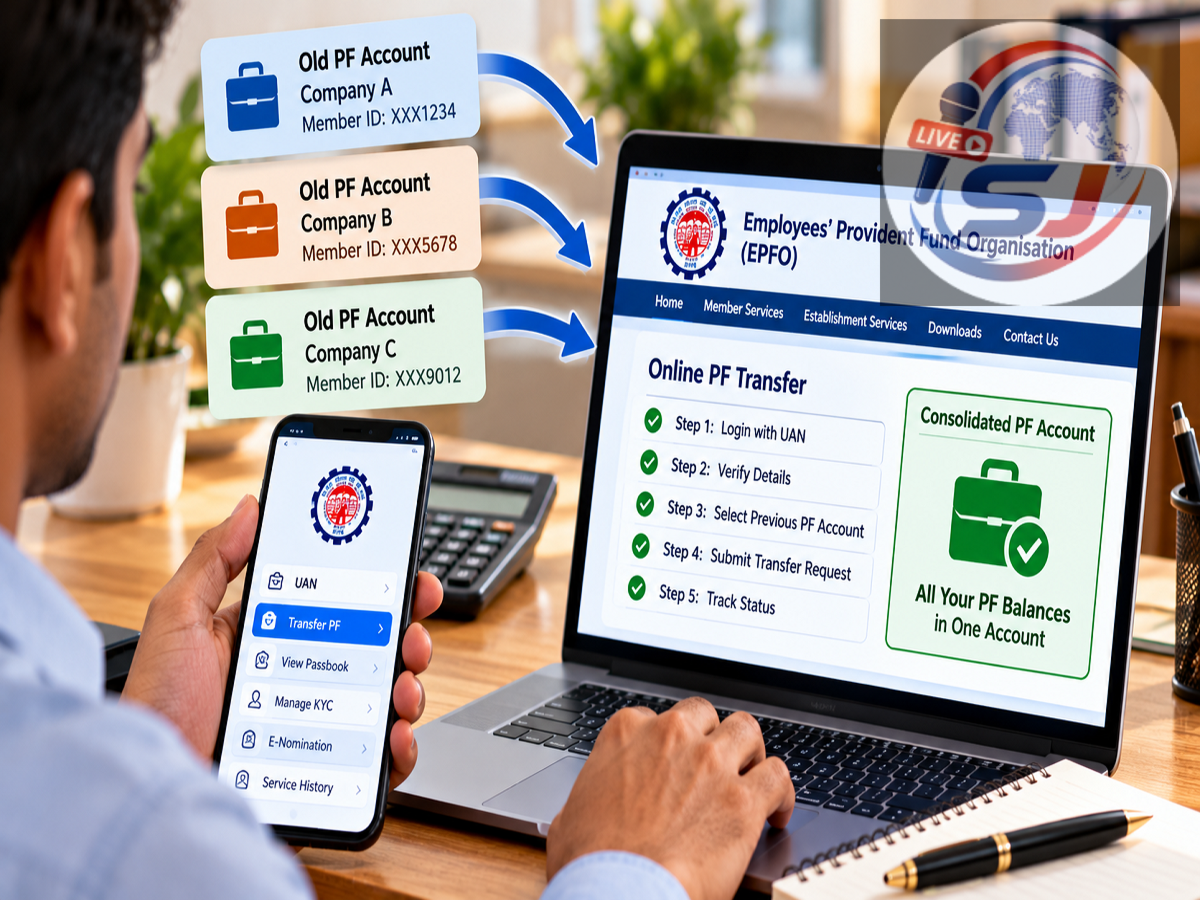
EPF Online Transfer Process 2026: Changing jobs can sometimes leave employees with provident fund balances linked to different employer-specific Member IDs. If the money from your previous employment is still showing separately, you generally do not need to withdraw it. Eligible EPFO members can transfer their old PF balance to the Member ID associated with their current employment.
Keeping the PF balance consolidated can make the employment record easier to manage and helps preserve continuity of service for applicable EPF and pension-related purposes.
The important point is to understand the difference between a UAN and a PF Member ID. Ideally, an employee should have one Universal Account Number (UAN), while different employers may create separate Member IDs under that UAN.
Here is how the online PF transfer process works.
Why Do Employees See Multiple PF Member IDs?
When you join a company covered by EPFO, PF contributions are deposited against the Member ID associated with that employment.
After you change jobs, your new employer can have a different Member ID for you.
As a result, an employee who has worked for several organisations may see multiple Member IDs in the EPFO records.
This does not necessarily mean that the employee should have multiple UANs. The UAN is intended to provide a common identity under which eligible Member IDs and employment records can be managed.
UAN and PF Member ID Are Not the Same
This distinction is important.
A UAN, or Universal Account Number, is the broader identification number assigned to an EPFO member.
A Member ID is associated with a particular employment or establishment.
For example, an employee may have one UAN but several Member IDs created over the course of different jobs.
Therefore, seeing multiple PF Member IDs after changing employers is not automatically an error.
The objective of a PF transfer is generally to move the accumulated eligible balance and link the previous employment correctly with the current PF record.
Why Transfer Old PF Instead of Withdrawing It?
Some employees withdraw the PF accumulated with their previous employer as soon as they change jobs.
However, if you remain employed and continue to be covered by EPF, transferring the balance can often be more appropriate than withdrawing retirement savings.
A transfer keeps the accumulated amount within the provident fund system and can help maintain service continuity.
It also means that the money can continue to earn EPF interest according to the applicable rules instead of being removed from the retirement corpus.
What Should You Check Before Starting a PF Transfer?
Before submitting an online transfer request, check your UAN account carefully.
Your UAN should be activated, and important member information should be correctly recorded.
Details such as your name, date of birth and Aadhaar-linked information should match the relevant records.
Your previous employment should also be visible in the service history, and the date of exit from the old organisation should be correctly recorded where required.
Incorrect or missing information can delay the transfer process.
How to Transfer Your Old PF Balance Online
Eligible EPFO members can initiate a transfer through EPFO's online member services.
The general process works as follows:
Step 1: Open the official EPFO Member e-Sewa facility and sign in using your UAN and password.
Step 2: After logging in, check your profile, KYC information and employment details.
Step 3: Open the section for online services and select the option for transferring the PF account or submitting a transfer request.
Step 4: Verify your personal information and the details of your current PF account.
Step 5: Select or enter the previous employment details for the PF balance that needs to be transferred.
Step 6: Follow the portal instructions for verification or employer-related authentication, where applicable.
Step 7: Complete Aadhaar-linked OTP authentication if prompted.
Step 8: Submit the request and retain the generated reference or tracking details.
The exact wording and sequence displayed on the EPFO portal can change as online services are updated, so members should follow the instructions shown on the official portal at the time of submission.
Aadhaar-Linked Mobile Number Is Important
Many EPFO online services rely on Aadhaar-based authentication.
Therefore, members should ensure that the mobile number required for Aadhaar-linked verification is accessible.
If an OTP is required but you cannot receive it, you may not be able to complete the online process smoothly.
Members should also verify that the name and date of birth recorded in EPFO correspond correctly with Aadhaar and other employment records.
Check Your Date of Exit
One common issue after leaving an organisation is an incomplete previous employment record.
The date of exit plays an important role in establishing that employment with the previous organisation has ended.
If this information is missing or incorrect, some online services may not work as expected.
Before starting the transfer, open your EPFO service history and check whether the previous employment information is properly reflected.
If there is an error, follow the applicable EPFO correction process rather than entering inconsistent information simply to complete the transfer.
What Happens After the Transfer Request Is Submitted?
Once a request is successfully submitted, it moves through the applicable verification and processing stages.
The time required can vary depending on whether the information in the old and new employment records matches and whether additional verification is needed.
After completion, the transferred amount should be reflected in the relevant PF records or passbook according to EPFO's processing cycle.
Members should not submit repeated transfer requests simply because the amount does not appear immediately.
Instead, track the existing request first.
How to Check PF Transfer Status
After submitting the claim, members can use EPFO's online services to check the status of the transfer.
Keep the claim or tracking reference available.
Once the transfer is processed, check the PF passbook to confirm whether the balance from the old Member ID has been accounted for correctly.
If the request remains pending for an unusually long period or is rejected, review the rejection reason before submitting another claim.
What If You Have More Than One UAN?
Having several Member IDs under one UAN is different from accidentally having multiple UANs.
Multiple UANs can arise in some cases when a new employer creates another UAN instead of linking employment to the existing one.
If you discover that you have more than one UAN, do not assume that simply transferring money between Member IDs will automatically resolve every issue.
The appropriate correction or consolidation procedure should be followed according to EPFO's current instructions.
Members can seek assistance through official EPFO grievance and service channels where necessary.
Does EPS Pension Money Also Transfer Like EPF Balance?
EPF and EPS should not be treated as identical accounts.
EPF represents the provident fund accumulation, while EPS relates to pension benefits and eligible service.
When employment changes, pension-related service history is important for determining applicable benefits.
Members may not always see an EPS amount moving in exactly the same way as the EPF cash balance in the passbook.
This does not automatically mean that the pension-related service has been lost.
The employment and service record should be checked carefully when a PF transfer is completed.
Why Service Continuity Matters
Keeping previous and current employment correctly connected can matter for more than simply viewing one consolidated PF balance.
Continuous eligible service can have implications for EPF withdrawal taxation and pension-related benefits, depending on the circumstances and applicable rules.
This is one reason employees should avoid casually withdrawing PF every time they change jobs.
PF is fundamentally intended as long-term social-security and retirement savings.
Don't Share Your UAN Password or OTP
PF transfer services can also attract fraudulent calls and messages.
An employee may receive a call claiming that an old PF balance is "blocked" and that an OTP is needed to release or transfer the money.
Never share your EPFO password, Aadhaar OTP, banking password, ATM PIN or UPI PIN with anyone.
A legitimate PF transfer should be initiated through official EPFO channels.
Members should also avoid unknown websites that imitate the EPFO login page.
Transfer Old PF to Keep Your Retirement Records Organised
If you have changed jobs several times and your PF savings are associated with different Member IDs, transferring eligible old PF balances can make the records easier to manage.
Ideally, different employment-related Member IDs should be linked under the employee's UAN, with the accumulated balance transferred as required when moving between jobs.
Before submitting a request, check your UAN activation, KYC information, Aadhaar details, previous employment record and date of exit.
Once these details are correct, eligible members can initiate the transfer online through EPFO's official member services, complete the required authentication and track the request until it is processed.
Most importantly, do not confuse multiple Member IDs with multiple UANs. If more than one UAN has been generated for you, follow EPFO's current procedure to resolve the duplicate-UAN issue.
Disclaimer: This article is for informational purposes only. EPFO's online interface, verification requirements and PF transfer procedures can change. Eligibility and processing can also depend on individual employment records. Members should follow the latest instructions available through official EPFO channels when submitting a transfer request.