
EPFO PF Balance Check 2026: Check Your Provident Fund Passbook Online in Just 2 Minutes, Follow These Simple Steps
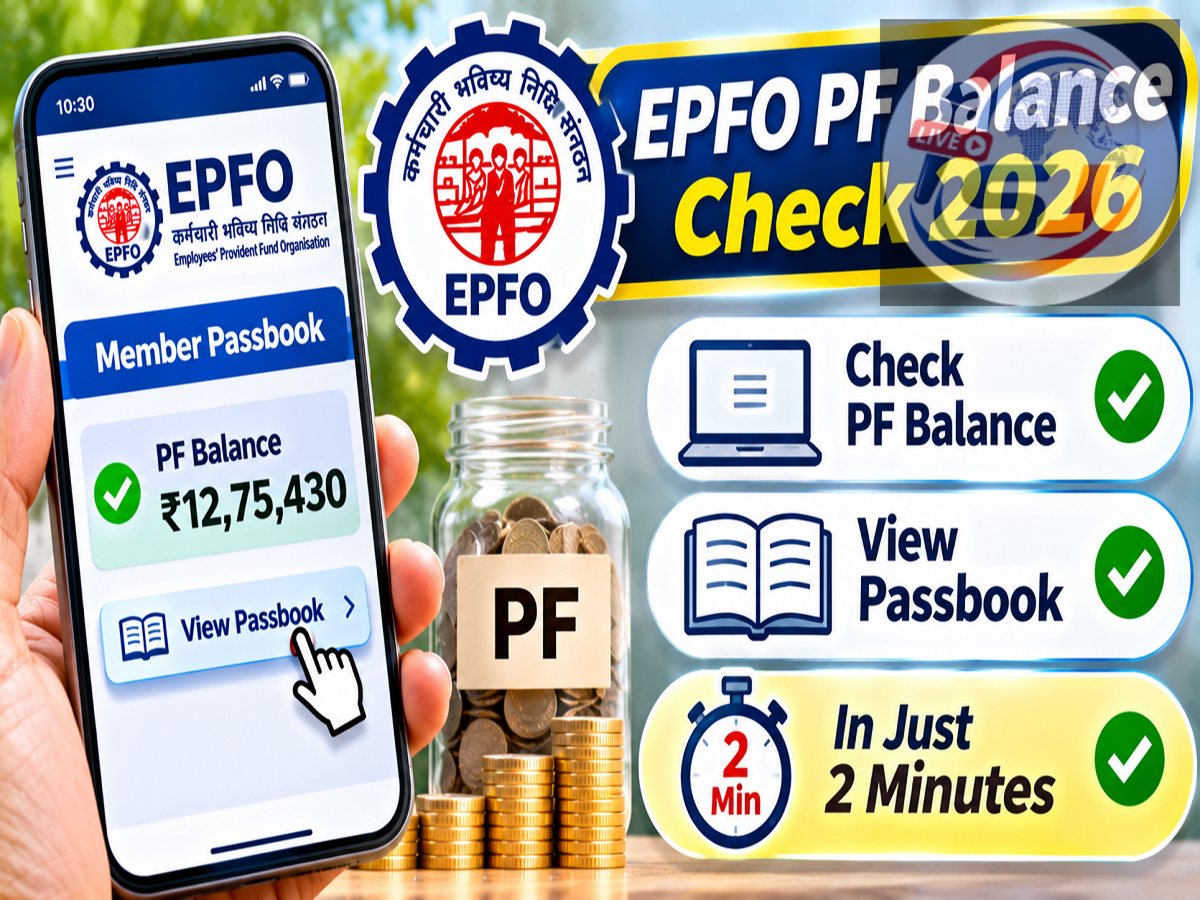
EPFO PF Balance Check 2026: Employees who contribute to the Employees' Provident Fund (EPF) can now check their provident fund balance from home without visiting an EPFO office or contacting their employer. The Employees' Provident Fund Organisation (EPFO) provides an online passbook facility that allows members to view their accumulated savings, monthly contributions and interest credits.
Using the official EPFO Member Passbook portal, eligible subscribers can check how much money has been deposited into their PF accounts and whether their employer has been making the required contributions.
The process is free and generally takes only a few minutes if the member has their Universal Account Number (UAN), password and internet connection ready.
Here is a complete step-by-step guide to checking your EPF passbook and downloading your PF account statement online.
What Is an EPFO PF Passbook?
An EPFO passbook is an online statement that records transactions associated with a member's Employees' Provident Fund account.
It provides information about contributions made by the employee and employer, along with applicable interest credits and other account transactions.
The passbook can help employees monitor their retirement savings and identify discrepancies in contribution records.
For salaried employees, checking the EPF passbook periodically is useful because PF contributions are generally deducted from eligible salary components and deposited into the provident fund system.
The passbook allows members to compare the amounts shown in their salary slips with the contributions reflected in their EPF accounts.
What Information Can You See in Your PF Passbook?
The EPFO passbook provides several important details related to a member's provident fund account.
| Passbook Information |
What It Shows |
|---|---|
| Employee Contribution |
PF amount contributed by the employee |
| Employer EPF Contribution |
Employer's contribution credited to EPF |
| Pension Contribution |
Amount allocated to EPS, where applicable |
| Interest Credit |
Interest credited according to EPFO rules |
| Opening Balance |
Balance carried forward from the previous period |
| Withdrawals |
Eligible withdrawals or settlements recorded |
| Closing Balance |
Available balance reflected in the passbook |
Employees should understand that the employer's contribution may be divided between EPF and the Employees' Pension Scheme (EPS), depending on applicable rules.
Therefore, the total employer contribution shown on a salary slip may not always appear entirely under the EPF balance.
Documents and Details Required to Check PF Balance
Before opening the EPFO Member Passbook portal, employees should keep a few details ready.
-
UAN: The 12-digit Universal Account Number associated with the member's EPF account.
-
Password: The password used for accessing the relevant EPFO member services.
-
Registered Mobile Number: A mobile number linked to the UAN, which may be needed for authentication or account recovery.
-
Internet Connection: A smartphone, laptop or desktop computer with internet access.
If a member has forgotten their password, they can use the official account recovery process, subject to EPFO's verification requirements.
How to Check EPFO PF Balance Online: Step-by-Step Guide
Step 1: Open the Official EPFO Passbook Portal
Visit the official EPFO Member Passbook website using your phone or computer.
Step 2: Enter Your UAN and Password
Enter your 12-digit UAN, password and the CAPTCHA displayed on the screen. Select the Sign In option to continue.
Step 3: Select the Passbook Option
After successful login, look for the Passbook section. Depending on the portal version, you may also see options such as Home, Profile and Service History.
Step 4: Choose Your Member ID
If you have worked for multiple employers, more than one Member ID may be linked to your UAN. Select the relevant Member ID to view its contribution history.
Step 5: Check Your PF Balance
Your passbook will display the available contribution records, including employee contributions, employer contributions, applicable interest and the reflected EPF balance.
Step 6: Download Your PF Passbook
Select Download PDF or Download Passbook, where available, to save a copy of the statement for future reference.
The exact appearance of the portal may change when EPFO updates its online services.
How to Check Whether Your Employer Is Depositing PF Contributions
One of the main advantages of the EPFO passbook is the ability to verify monthly contributions.
Employees can compare their salary slips with the entries displayed in the passbook.
For example, if an employee's salary slip shows a PF deduction for a particular month, they can check whether the corresponding employee contribution has appeared in their EPF statement.
They can also review the employer contribution recorded for the same wage period.
However, a contribution may not appear immediately after salary payment.
Employers must submit the required contribution information, and the records may take time to reflect in the EPFO system.
If a contribution remains missing beyond the expected processing period, the employee can first seek clarification from the employer and, if necessary, use EPFO's official grievance mechanism.
Why Is the Latest PF Contribution Not Showing?
Some employees may notice that their latest monthly contribution is missing from the passbook.
This does not automatically mean that the employer has failed to deposit the amount.
According to the supplied report, contribution entries may appear after the relevant EPFO office completes processing and reconciliation.
Therefore, recently deposited contributions may take additional time to become visible.
Members should check the passbook again after a reasonable interval.
If the contribution remains missing, they should verify the wage period, Member ID and employer's deposit status.
What Happens After Changing Your UAN Password?
Members who recently changed their UAN password may experience a temporary delay before the new password works on the passbook portal.
According to the report, password changes may take approximately six hours to become effective for the passbook service.
If login fails immediately after a password reset, members should avoid repeatedly entering incorrect credentials.
Instead, they can wait for the systems to synchronise and try again.
The exact delay may vary depending on the portal's operational status.
Can You Check PF Balance Using a Mobile Phone?
Yes. Employees can access the EPFO Member Passbook website through a mobile browser.
They should use the official website and avoid links received through unknown messages.
EPFO also provides certain services through authorised government digital platforms, although the availability of individual features can change.
Members should check official EPFO announcements for supported mobile services.
The important requirement is to use a verified platform rather than a third-party website that requests confidential account credentials.
What If You Have Multiple PF Accounts?
Employees who have changed jobs may have multiple EPF Member IDs associated with a single UAN.
The online passbook facility allows members to review the relevant account records.
If previous PF balances have been transferred successfully, the passbook may show the corresponding transfer entries.
However, an older Member ID may still contain a separate balance if the transfer has not been completed.
Employees should check all relevant Member IDs before concluding that their total retirement savings are lower than expected.
Is It Safe to Check PF Balance Online?
Checking the passbook through EPFO's official website is an authorised way to access provident fund information.
However, employees should follow basic cybersecurity precautions.
They should never share their UAN password or authentication OTP with unknown individuals.
Members should also avoid entering their credentials on websites that imitate the official EPFO portal.
A fraudulent website may look similar to the original but use a different domain name.
Always verify that the website belongs to the official epfindia.gov.in domain or its authorised subdomains.
What to Do If the EPFO Passbook Portal Is Not Working
The EPFO portal may occasionally experience temporary technical issues, maintenance or heavy traffic.
If the website is not loading, members can try again after some time.
They should also check whether they have entered the correct UAN and password.
For unresolved account-related problems, employees can contact EPFO through its official support channels.
The supplied report lists the helpline number 1800-118-005. Members should verify currently available contact numbers on EPFO's official website before relying on them.
They can also visit EPFO's official website for service updates and grievance information.
EPFO PF Balance Check 2026: Important Points
Checking your EPF balance online is a convenient way to monitor retirement savings and verify employer contributions.
The official EPFO Member Passbook portal provides access to contribution records, interest credits and account balances without requiring a physical office visit.
Members generally need their UAN, password and internet connection to use the facility.
The process may take only a few minutes when the portal is functioning normally, although authentication and service availability can affect the time required.
Employees should regularly review their passbooks, especially after changing jobs or noticing discrepancies between salary deductions and PF contribution records.