
EPF Passbook Check: Is Your Employer Depositing PF Every Month? Know the 15-Day Rule and 3 Ways to Verify
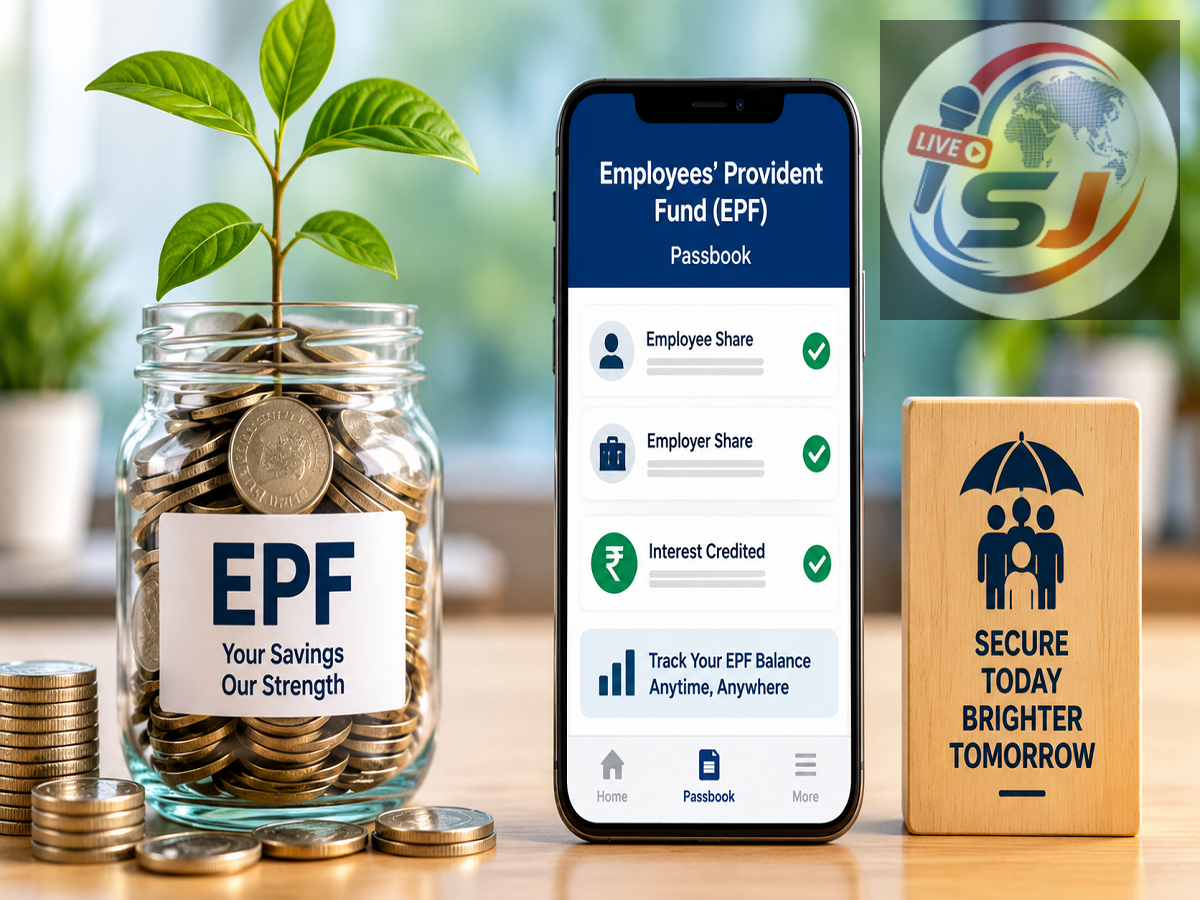
Seeing a Provident Fund deduction on your salary slip every month may seem like enough proof that your retirement savings are being deposited correctly. But employees should not rely only on the salary slip.
A PF deduction shown in payroll records does not by itself confirm that the money has actually been credited with the Employees' Provident Fund Organisation (EPFO).
This is why salaried employees should periodically check their EPF passbook and match the entries with their salary slips.
The supplied report recommends checking the e-passbook once every two to three months. Doing so can help employees identify missing contributions early instead of discovering the problem while changing jobs, transferring PF or making a retirement-related claim.
Here is what you should check in your EPF passbook, when the employer is expected to deposit the contribution and what to do if a month's PF entry is missing.
Why Checking Your EPF Passbook Is Important
For eligible employees, PF contributions are deducted from salary as part of the monthly payroll process.
The employer also makes the applicable contribution under EPF rules, with the relevant allocation reflected in the PF and pension records.
However, employees should verify that these contributions are actually appearing in their EPF records.
The easiest way to do this is to compare your salary slips with your EPF passbook periodically.
If PF was deducted from your salary for a particular month, you should eventually be able to identify the corresponding contribution in your EPF records.
Check These 3 Entries in Your PF Passbook
Don't look only at the employee contribution while checking your passbook.
The report recommends reviewing the different components reflected in the account, including:
-
Employee contribution
-
Employer contribution
-
Pension-related EPS component
For example, if PF was deducted from your April salary, check whether the relevant April contribution appears in the passbook.
A systematic month-by-month comparison can make it easier to spot missing or irregular deposits.
Why a Missing PF Entry Can Become a Bigger Problem Later
Ignoring a missing contribution may create complications later.
The supplied report warns that discrepancies can become troublesome when an employee changes jobs, transfers the accumulated PF balance or eventually submits a pension or retirement-related claim.
An error that may be relatively easy to resolve today can become more difficult to investigate several years later, particularly after changing employers.
Regular monitoring is therefore useful even if you are not currently planning to withdraw or transfer your PF.
What Is the '15-Day Rule' for PF Deposit?
The report highlights an important timeline that employees should know.
According to the rule described in the source, employers are required to deposit the applicable PF contribution within 15 days after the end of the month.
For example, the report says that the contribution relating to April should be deposited with EPFO by May 15.
This includes the contribution deducted from the employee as well as the applicable employer contribution.
Knowing this timeline helps employees understand when they should reasonably expect the contribution to have been deposited.
Don't Panic If the Passbook Does Not Update Immediately
A missing entry immediately after salary day does not necessarily mean that the employer has failed to deposit the contribution.
The report notes that processing or server-related delays can sometimes mean that the passbook entry takes additional time to become visible.
Therefore, employees should allow for reasonable processing time before assuming that there is a problem.
The situation becomes more concerning when newer monthly contributions start appearing but an older month's entry remains missing.
For example, if May and June entries appear while April remains absent, the employee should investigate the discrepancy.
How to Check EPF Passbook Online
The report describes three convenient ways to review your PF balance and contribution records without visiting an EPFO office.
1. EPFO Member Passbook Portal
Employees can use the EPFO's official Member Passbook facility.
Log in using your Universal Account Number (UAN) and password and then select the relevant Member ID to view the passbook.
The passbook can help you review contributions credited against your employment record.
Employees who have worked for several organisations should pay particular attention to the Member ID they select.
2. Check Through Passbook Lite
The second option mentioned in the report is Passbook Lite.
This facility provides members with a simplified summary view of their PF account, including information relating to contributions, withdrawals and the available balance.
It can be useful when you want a quick overview without going through the complete contribution history.
For a detailed month-by-month verification, however, make sure you are reviewing the information needed to compare the contribution with your salary records.
3. Use the UMANG App
Employees can also check PF-related information through the UMANG app on a smartphone.
The app provides access to EPFO-related services, including facilities for checking PF information.
This gives employees another convenient option for monitoring their retirement account without visiting an EPFO office.
Whichever method you use, make sure you are accessing the official service rather than entering your UAN, password or OTP into an unknown third-party website or app.
Changed Jobs? Check the Correct Member ID
An employee can have different Member IDs associated with different employers while the employment records are linked under the same UAN.
Therefore, if you have changed jobs several times, don't assume that all contribution history will necessarily appear under a single employer Member ID.
Select the Member ID belonging to the company whose contribution records you want to inspect.
This is particularly useful when checking whether an old employer deposited all contributions before you left the organisation.
Keep the Same UAN When Changing Jobs
The report also highlights an important point for employees joining a new company.
Instead of getting another UAN created, provide your existing UAN to the new employer's HR department.
Keeping employment records associated with the correct UAN helps maintain continuity and makes PF transfer and account management easier.
Employees should also ensure that personal details in the PF records are correct.
Check Name, Date of Birth and KYC Details
Errors in personal information can also create difficulties in managing a PF account.
The report advises employees to ensure that details such as their name, date of birth and KYC-related information are correctly reflected in the records.
Differences between employment records and identification details can complicate transfers and claims.
Checking these details when changing jobs can reduce the risk of facing documentation problems later.
What If PF Is Deducted but Not Showing in Your Account?
If a contribution appears to be missing, don't ignore it.
The supplied report suggests a three-stage approach.
First, check the relevant salary slip and allow some time for the contribution to be processed and reflected.
Second, if the amount still does not appear, contact the company's payroll or HR department and ask them to verify the deposit.
Third, if PF has been deducted from your salary but has not been deposited with EPFO, the report states that responsibility lies with the employer and that EPFO can take action against non-compliant establishments.
Keep relevant salary slips and employment records available when raising the issue.
Salary Slip vs EPF Passbook: What Should You Match?
A quick periodic check can be organised like this:
| What to Check | What to Verify |
|---|---|
| Salary slip | Whether PF was deducted |
| EPF passbook | Whether the corresponding monthly contribution appears |
| Employee share | Check the employee contribution entry |
| Employer share | Verify the employer contribution |
| EPS | Check the pension-related component |
| Member ID | Select the correct employer record |
| Personal details | Check name, DOB and KYC information |
Doing this every few months can make discrepancies easier to detect.
Why Waiting Until Retirement Can Be a Mistake
PF is a long-term retirement benefit, and many employees may work for several organisations over their career.
If a contribution problem occurs early in someone's career but is discovered only years later, tracking old salary records and coordinating with a former employer can become more difficult.
The same problem could emerge when the employee tries to transfer PF after switching jobs.
A five-minute passbook review every few months can therefore serve as a simple preventive check.
Make EPF Passbook Checking a Regular Habit
The key lesson is simple: don't assume that PF has been deposited merely because it was deducted on your salary slip.
Check your EPF passbook periodically and compare it with your payroll records.
According to the supplied report, employers are required to deposit the applicable monthly PF contribution within the prescribed timeline, illustrated as April's PF being deposited by May 15. A short delay in the passbook display may occur because of processing, but a persistently missing older entry deserves attention.
Employees can check their records through the EPFO Member Passbook Portal, Passbook Lite or the UMANG app.
If a contribution remains missing, first verify the salary slip and processing time, then contact payroll or HR. Staying alert today can help prevent unnecessary complications when transferring PF, changing jobs or claiming retirement benefits later.