
Driving Licence Photo Update: Here’s How to Replace an Old or Unclear Photo
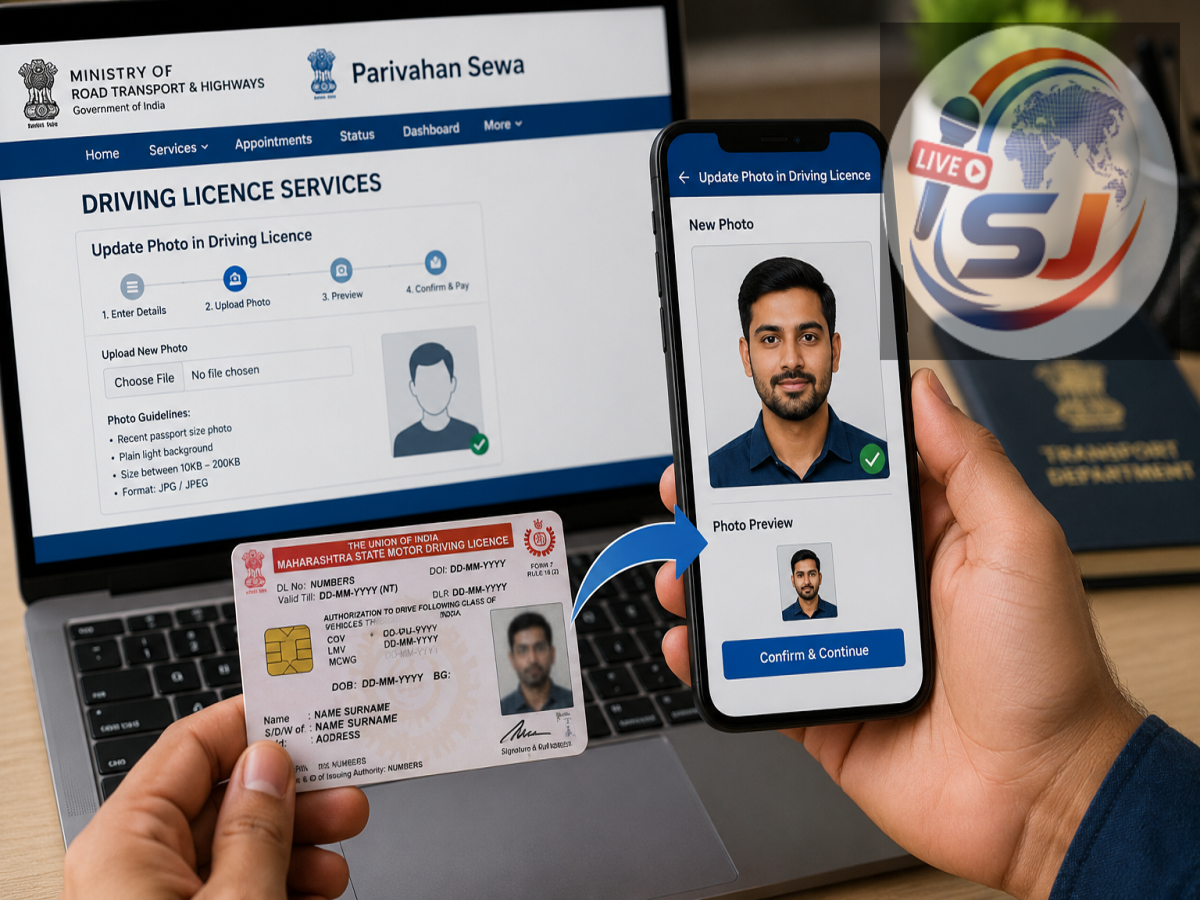
Driving Licence Photo Update: If the photo on your driving licence has become outdated, unclear or no longer resembles your current appearance, you may be able to get it updated through the Parivahan system. The exact process, however, can vary from one state to another.
A clear and current photograph on a driving licence is useful because the document is not only proof that you are authorised to drive but is also commonly used for identity verification. If the photograph is too old or difficult to identify, it may create inconvenience during traffic checks or other verification processes.
Can You Change the Driving Licence Photo Online?
In some states, certain driving licence services can be initiated online through the official Parivahan portal.
The Ministry of Road Transport and Highways provides driving licence-related services through the Sarathi platform. Users generally need to select their state first because the services available online can differ depending on the State Transport Department.
This means there is no guarantee that every applicant in every state will be able to complete the entire photo-change process online.
How to Check the Photo Update Option
To begin, visit the official Parivahan Sewa portal and open the section for driving licence-related services.
From there, select your state and look for Services on Driving Licence or a similar option.
You may then be asked to enter details such as:
-
Driving licence number
-
Date of birth
-
State
-
Other authentication information
After verification, the portal will display the services currently available for your licence.
If a photograph or biometric-related update service is available in your state, you can proceed with the application.
Steps to Update Driving Licence Photo Online
The broad process may look like this:
-
Visit the official Parivahan Sewa website.
-
Open Driving Licence Related Services.
-
Select your state.
-
Choose Services on DL.
-
Enter your driving licence number and date of birth.
-
Complete Aadhaar or other authentication if required.
-
Select the relevant photo or biometric update service, if available.
-
Provide the reason for requesting the change.
-
Upload or capture the required photograph where the portal allows it.
-
Pay the applicable fee and submit the request.
The actual options and wording on the portal may differ by state.
What If Online Photo Update Is Not Available?
If your state does not provide a complete online facility for changing the driving licence photograph, you may need to visit the Regional Transport Office or an authorised transport service centre.
In such cases, the online portal may still allow you to submit the application or book an appointment before visiting the RTO.
At the office, a fresh photograph and other required biometric details may be captured according to the state’s procedure.
Documents May Vary by State
The supporting documents required for a photo update are not exactly the same across India.
Depending on the state and the reason for the change, you may be asked to provide your existing driving licence, Aadhaar or another identity document, application acknowledgement and other supporting records.
Applicants should check the requirements shown on the official Sarathi portal after selecting their state instead of relying on unofficial agents or generic document lists.
Is There a Fee for Changing the Photo?
A fee may apply when modifying details on a driving licence.
The exact amount depends on the type of service and the applicable transport department rules. Additional charges may also apply for smart-card issuance, service fees or other processes in some states.
The amount displayed on the official portal at the time of application should be treated as the applicable fee.
Why Should You Replace a Very Old Photo?
A licence photo taken many years ago may no longer closely match the licence holder’s current appearance.
While an old photograph does not automatically make an otherwise valid licence invalid, updating it can make identity verification easier.
It can be particularly useful if there has been a major change in appearance or if the existing photograph is faded, blurred or damaged.
Check Other Details at the Same Time
When reviewing your driving licence, it is also worth checking whether other details are correct.
These may include:
-
Name
-
Address
-
Date of birth
-
Licence validity
-
Vehicle categories
-
Mobile number, where linked
If any information needs correction, check whether it can be updated along with the photo or through a separate service.
Digital Driving Licence Is Also Valid
Drivers should also remember that a physical card is not the only way to carry a valid driving licence.
Digital documents available through authorised services such as DigiLocker or the mParivahan ecosystem can also be useful for verification, subject to applicable rules.
However, updating the photograph in the official driving licence database is still important if the stored image itself is outdated or incorrect.
Avoid Unofficial Websites and Agents
Driving licence services involve sensitive personal information, so applications should be made only through official transport department channels.
Do not share Aadhaar OTPs, banking details or licence credentials with unknown agents claiming they can instantly update your photo.
Always verify that you are using the official Parivahan or state transport portal before entering personal information.
The Bottom Line
If the photograph on your driving licence is old, unclear or no longer resembles you, first check the Parivahan Sewa portal to see whether your state offers an online photo-update service.
The process generally starts by selecting your state, opening driving licence services, entering your licence details and choosing the relevant update option.
If the service is not available online, you may need to visit the RTO for fresh photo or biometric capture.
Because procedures and fees can vary by state, applicants should always confirm the latest requirements on the official transport portal before submitting the request.