
Aadhaar Update Rules 2026: How to Change Your Mobile Number, Address and Date of Birth
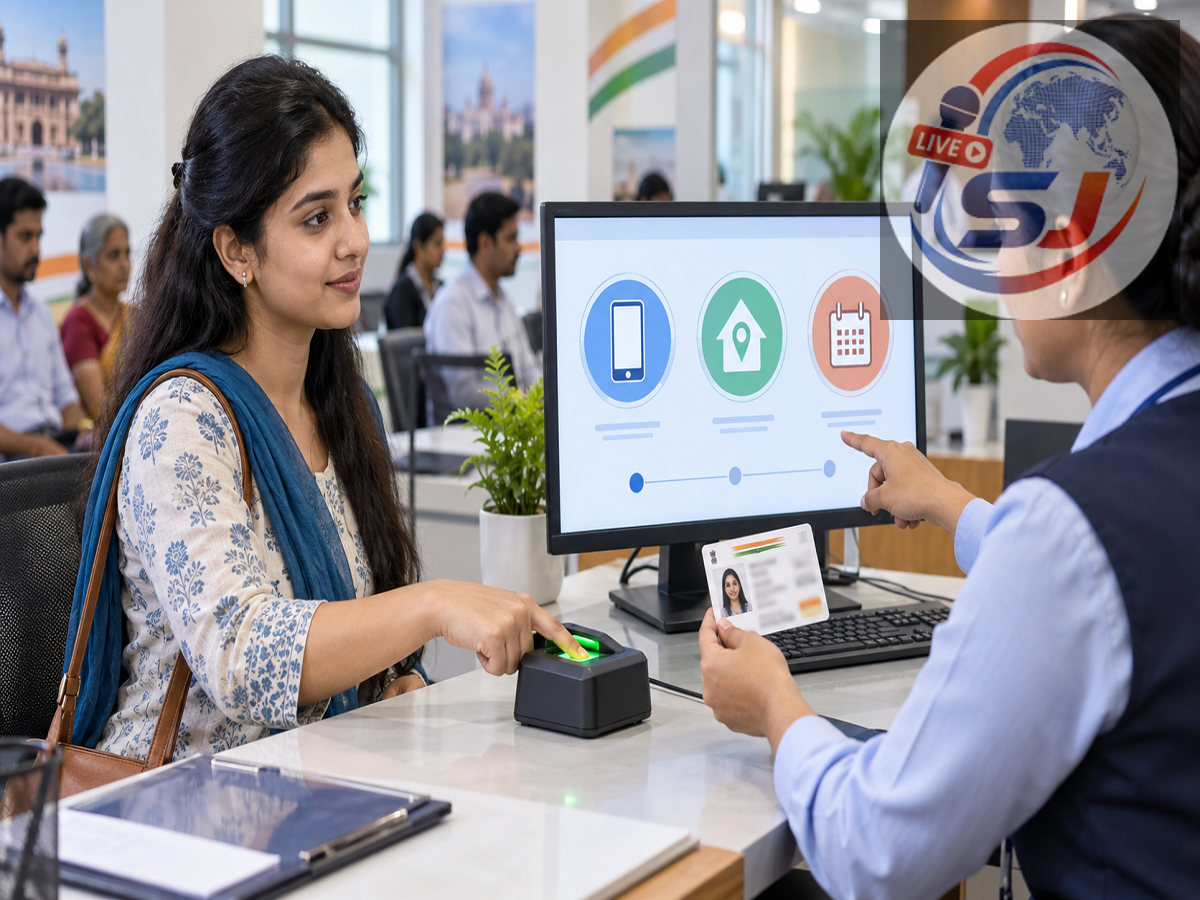
Keeping Aadhaar information accurate has become easier with the launch of UIDAI’s new Aadhaar app. Cardholders can now update an existing mobile number and residential address through the official app in eligible cases, while corrections to the date of birth still require a visit to an Aadhaar Seva Kendra or authorised enrolment and update centre.
The processes are not identical for every detail. Address and mobile-number changes may be completed digitally, but updates involving a person’s name, gender, date of birth, photograph, fingerprints or iris data continue to require an in-person visit.
Here is a detailed explanation of the latest Aadhaar update facilities, applicable conditions and charges.
Which Aadhaar Details Can Be Updated Through the App?
According to the Unique Identification Authority of India, the official Aadhaar app currently supports direct updates to:
-
Mobile number
-
Residential address
The app also offers services such as biometric locking and unlocking, authentication-history checks, e-Aadhaar downloads, selective sharing of Aadhaar information and request tracking.
However, the following details cannot currently be changed through the app:
-
Name
-
Date of birth
-
Gender
-
Photograph
-
Fingerprints
-
Iris data
UIDAI says some additional demographic-update services may be introduced through the app in phases. Until then, users must visit an Aadhaar centre for these changes.
How to Register on the Official Aadhaar App
The app is available for supported Android and iOS devices. UIDAI says users need Android 9 or later or iOS 16 or later, along with internet connectivity.
After downloading the official application, the Aadhaar number holder must:
-
Select the preferred language.
-
Enter the 12-digit Aadhaar number.
-
Accept the applicable terms and privacy policy.
-
Select the mobile SIM to bind the device.
-
Complete face authentication.
-
Create a six-digit PIN for future access.
Users should download the app only from the links provided on UIDAI’s official website or from the verified UIDAI listing on the Google Play Store or Apple App Store.
How to Change an Existing Mobile Number Through the Aadhaar App
The mobile-number update process depends on whether the number used to register on the app matches the number currently linked with Aadhaar.
When the same registered number is used in the app
If the user has registered on the Aadhaar app with the same mobile number already recorded in Aadhaar, the process requires verification of the new number through OTP. The user must then complete face authentication and pay the prescribed fee.
When the app number and Aadhaar-linked number are different
If the user registered on the app using a number different from the one currently linked with Aadhaar, both the old registered number and the proposed new number must be verified through OTP. Face authentication and payment of the applicable charge are also required.
What if the old mobile number is unavailable?
The mobile number cannot be changed through the app if the user has lost access to the old registered number. In this situation, the person must visit an Aadhaar Seva Kendra or another authorised Aadhaar enrolment and update centre.
The same rule applies when a mobile number is being registered in Aadhaar for the first time. First-time mobile registration is not available through the app.
UIDAI’s updated mobile-number procedure is explained in its official Aadhaar app FAQs.
Steps to Update an Address Through the Aadhaar App
Aadhaar holders can update their address using a valid supporting document. The process generally involves the following steps:
-
Open the official Aadhaar app.
-
Sign in using the six-digit PIN.
-
Open the “Services” section.
-
Select “Address Update.”
-
Upload the accepted address document in JPG, PNG or PDF format.
-
Enter the new address exactly as supported by the document.
-
Review its appearance in English and the selected regional language.
-
Complete face authentication.
-
Pay the ₹75 update charge.
-
Download the acknowledgement containing the Service Request Number.
The Service Request Number, or SRN, can be used to track the application. Submitting a request does not guarantee approval; UIDAI will verify and validate the information before accepting the change.
Can an Address Be Updated Through a Family Member?
UIDAI also permits an address update through the Head of Family method in eligible cases. This facility can help people who do not have an address document in their own name.
The applicant enters the Aadhaar number of the family member, selects the relationship, completes face authentication and pays the prescribed charge. The Head of Family must then approve the request through the Aadhaar app.
The request will be processed only after the required approval and verification are completed.
Is Address Update Still Available on myAadhaar?
Yes. Address updates can also be submitted through the myAadhaar portal using a registered mobile number and an accepted Proof of Address.
The user must log in with the Aadhaar number and OTP, select the address-update service, enter the revised details and upload the supporting document.
Applicants should ensure that the name and address entered in the request match the documentary evidence. Unclear scans, incomplete documents or inconsistent information may lead to rejection.
How to Correct the Date of Birth in Aadhaar
A date-of-birth correction is not currently available through the Aadhaar app. The Aadhaar holder must visit an Aadhaar Seva Kendra or authorised enrolment and update centre.
At the centre, the applicant must submit the prescribed supporting document and complete the required identity or biometric verification. UIDAI’s updated list of accepted documents should be checked before visiting because documentary requirements can differ according to the applicant’s circumstances.
The general procedure includes:
-
Locating an authorised Aadhaar update centre.
-
Carrying the original accepted date-of-birth document.
-
Completing the Aadhaar update form.
-
Allowing the operator to enter the requested correction.
-
Completing biometric authentication.
-
Paying the applicable fee.
-
Collecting the acknowledgement containing the request number.
Applicants should carefully examine the information entered by the operator before approving the request.
How Many Times Can the Date of Birth Be Changed?
UIDAI ordinarily permits a date-of-birth update only once. A person who has already used the permitted update may not be able to submit another routine correction.
Exceptional cases can require UIDAI’s prescribed escalation process and stricter documentary scrutiny. Approval is not automatic merely because a second request is filed.
Anyone seeking an update beyond the standard limit should consult UIDAI’s current Standard Operating Procedure or contact the helpline before visiting a centre.
How Much Does an Aadhaar Update Cost?
UIDAI currently charges ₹75 for a separate demographic update, including changes to information such as address, mobile number or date of birth, depending on the mode and service used.
A demographic update completed at the same time as a biometric update may have a different fee treatment under UIDAI’s schedule. Biometric updates, document updates and other services also have their own charges.
UIDAI currently allows free online submission of Proof of Identity and Proof of Address documents through the myAadhaar document-update facility until June 14, 2027. This free document-update service should not be confused with changing the actual address recorded in Aadhaar.
The current charges are listed on UIDAI’s Aadhaar Seva Kendra information page.
How Long Can an Update Take?
UIDAI says processing of mobile-number and address requests submitted through the app can take up to 30 days. Some applications may be completed earlier, while others may require further verification.
Users can monitor their request using the SRN or URN shown on the acknowledgement. If an application is rejected, the status information may help identify whether a document or data mismatch caused the problem.
Important Safety Precautions
Aadhaar holders should use only UIDAI’s official website, app and authorised centres. They should never disclose an OTP, app PIN or complete Aadhaar details to an unknown caller or agent.
Users should also avoid installing Aadhaar applications through links received in unsolicited messages. A fraudulent app may attempt to steal identity information, OTPs or facial data.
The UIDAI helpline number is 1947. Applicants can use it to seek clarification about services, documents or update requests.
Final Takeaway
Aadhaar holders can now change an existing mobile number and update their address through UIDAI’s official Aadhaar app in eligible situations. The process uses OTP verification, face authentication and a prescribed service fee.
If the old registered mobile number is inaccessible—or if a number is being linked for the first time—the user must still visit an Aadhaar centre. Date-of-birth corrections also remain an in-person service and are ordinarily allowed only once.
Before submitting any change, users should check UIDAI’s latest document list, confirm the fee and carefully verify all entered information. This can reduce the risk of rejection and prevent avoidable delays.