
Aadhaar Update 2026: UIDAI Now Allows Email ID Update From Home Through Aadhaar App, Check Process
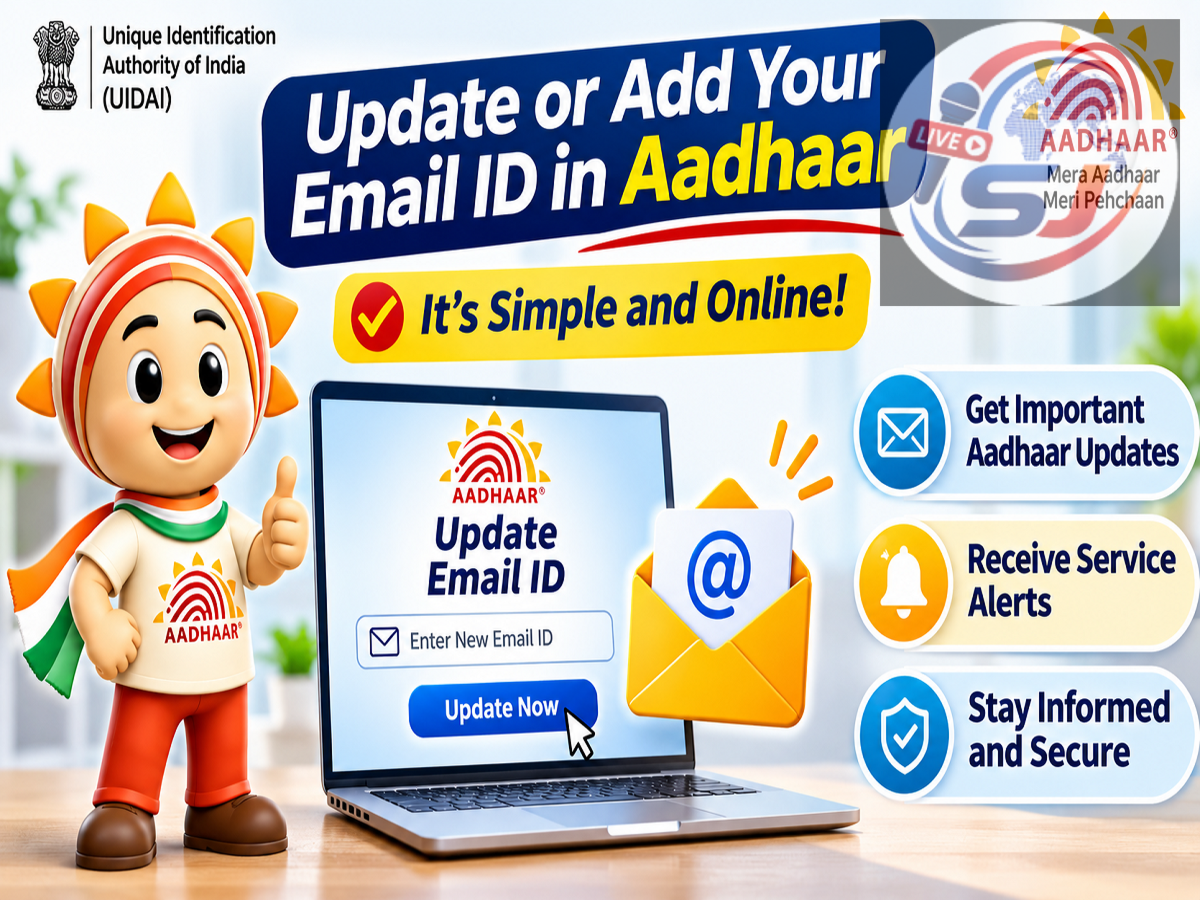
Aadhaar Email Update 2026: Aadhaar cardholders have received a convenient new digital facility from the Unique Identification Authority of India (UIDAI). According to an official update shared on November 1, 2026, users can now add or update their email address through the Aadhaar app without necessarily visiting an Aadhaar enrolment or update centre.
The facility is intended to make Aadhaar-related services more accessible and reduce the inconvenience of travelling to physical service centres for routine updates.
UIDAI has encouraged Aadhaar holders to keep their information updated and take advantage of the digital service.
For people who have changed their email address or never registered one with Aadhaar, the new facility may provide a simpler way to maintain accurate contact information.
Here is what Aadhaar users should know about the email update facility, its benefits and the precautions they should follow.
UIDAI Announces Aadhaar Email Update Facility
UIDAI shared the update through its official X account, @UIDAI.
The authority stated that Aadhaar holders can now add or update their email ID from home using the Aadhaar app.
The announcement highlights the government's continuing efforts to simplify access to digital identity services.
Previously, many Aadhaar holders depended on physical update centres for changes that were not supported through available online channels.
The newly highlighted app-based facility is intended to make email address management more convenient.
However, the brief UIDAI announcement does not specify every verification step, the applicable fee or the processing timeline.
Users should follow the instructions displayed in the official app for the latest operational details.
How to Add or Update Email ID Through Aadhaar App
Aadhaar holders who want to use the new facility can begin by opening the official Aadhaar application.
The general process is expected to involve the following steps:
-
Download or update the official Aadhaar app from a trusted application store.
-
Open the application and complete the required sign-in or identity verification.
-
Navigate to the available Aadhaar update or profile services section.
-
Select the option to add or update an email address.
-
Enter the email ID that you want to register.
-
Complete any verification requested by the application.
-
Review the information before submitting the request.
-
Save the acknowledgement or request reference number, if provided.
Important: These are general navigation steps, not a verified screen-by-screen description of the newly introduced feature. The actual procedure may differ depending on the app version and UIDAI's requirements.
Users should rely on the options displayed in the official application.
Why Should You Keep Your Aadhaar Email ID Updated?
An updated email address can make it easier to receive communications associated with supported Aadhaar services.
It can also help users maintain accurate contact information in their Aadhaar records.
People frequently change email accounts because of job changes, security concerns or the closure of older email services.
If an outdated email address remains registered, certain communications may not reach the intended person.
Updating contact details can therefore be a useful part of maintaining digital identity records.
However, registering an email address does not replace other Aadhaar authentication requirements.
For example, services that specifically require a registered mobile number may continue to depend on that mobile number.
Can You Update Aadhaar Email Without Visiting a Centre?
According to UIDAI's November 1 announcement, the Aadhaar app now supports adding or updating an email ID from home.
This means eligible users may be able to complete the process digitally without travelling to an Aadhaar service centre.
However, successful completion will depend on meeting the app's authentication and verification requirements.
Users who cannot access the facility or complete the necessary verification may need to use another authorised UIDAI service channel.
The availability of an online email update should not be interpreted as confirmation that every Aadhaar detail can now be changed through the app.
Different categories of demographic and biometric updates may have different procedures.
Is Aadhaar Email ID Mandatory?
An email address is useful for communication, but Aadhaar-related services have different requirements depending on the transaction.
Users should not assume that every Aadhaar holder must register an email address to keep their Aadhaar number valid.
UIDAI's announcement encourages people to maintain updated information; it does not state that Aadhaar will be deactivated if an email address is not added.
Aadhaar holders should also distinguish between an optional contact detail and information that is necessary for a particular authentication process.
Will There Be Any Fee for Updating Email ID?
The supplied UIDAI announcement does not mention whether the new app-based email update facility carries a service charge.
Therefore, users should check the official application for any applicable fee before submitting their request.
They should avoid paying money to unofficial agents or websites promising faster email updates.
Any payment, where applicable, should be made only through an authorised channel.
What if the Aadhaar App Does Not Show the Email Update Option?
Some users may not immediately see the newly announced feature.
This could be related to the application version, account configuration or the availability of the service.
Users can check whether an official app update is available.
They should also ensure that they are using the correct Aadhaar application published by UIDAI.
If the feature remains unavailable, they can consult UIDAI's official website or customer support.
The official website is UIDAI.
Aadhaar holders can also use UIDAI's helpline 1947 for assistance with supported services.
How to Keep Your Aadhaar Information Safe
While digital update services offer convenience, users should remain cautious about fraudulent messages and websites.
Never share Aadhaar-related OTPs with unknown callers.
Avoid installing applications through suspicious links received over WhatsApp, SMS or social media.
Users should also avoid sharing screenshots containing sensitive Aadhaar information with unauthorised individuals.
The safest approach is to use the official Aadhaar application and UIDAI website.
If someone claims that an immediate payment is required to prevent Aadhaar deactivation, verify the claim through official UIDAI channels before taking action.
Does Updating Email ID Change Your Aadhaar Number?
No. Updating a registered email address does not change the Aadhaar number assigned to an individual.
The 12-digit Aadhaar number remains the same when contact information is updated.
The purpose of the facility is to maintain accurate email details in the Aadhaar record.
It does not create a new Aadhaar identity or require users to apply for another Aadhaar number.
Final Words
UIDAI's November 1, 2026 announcement highlights a new convenience for Aadhaar holders: the ability to add or update an email address from home through the Aadhaar app.
The facility is intended to make contact-detail management easier and reduce the need for physical visits.
Users should install the official app, follow the available verification process and check the latest instructions for fees and processing requirements.
For accurate information, Aadhaar holders should rely on UIDAI's official communication rather than unverified online claims.
Source Credit: Unique Identification Authority of India (UIDAI), official X account @UIDAI, November 1, 2026. Official reference: uidai.gov.in.