
Aadhaar Mobile Number Check: How to Find Which Phone Number Is Linked to Your Aadhaar
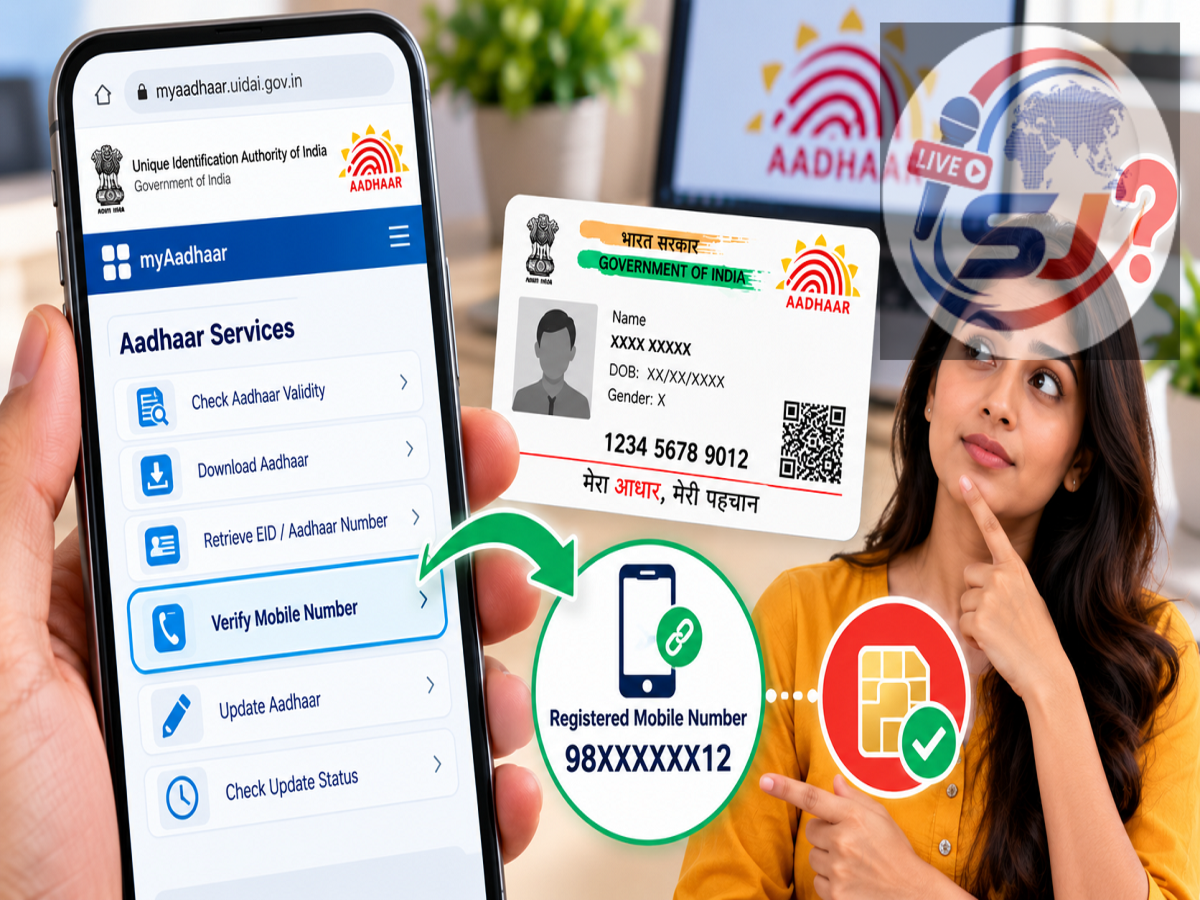
Aadhaar is widely used across India for identity verification, government services, banking-related KYC and several digital services. For many Aadhaar-based online facilities, access to the mobile number registered with Aadhaar is particularly important because one-time passwords (OTPs) may be sent to that number for authentication.
However, remembering which mobile number is registered with Aadhaar can sometimes become difficult. A person may have changed SIM cards over the years, may use multiple mobile numbers or may have registered a family number when Aadhaar was originally enrolled.
If you are unsure which phone number is connected with your Aadhaar, UIDAI provides services that can help you verify your mobile details. Importantly, for privacy and security reasons, you should not expect the complete registered mobile number to be openly displayed.
Here's what you need to know about checking and verifying an Aadhaar-linked mobile number.
Why Is the Aadhaar-Registered Mobile Number Important?
A registered mobile number helps Aadhaar holders access various OTP-based online services.
When an Aadhaar service requires authentication, an OTP may be sent to the mobile number registered in the Aadhaar database. Without access to that number, completing certain online Aadhaar services can become difficult.
This is why it is useful to keep your current mobile number registered with Aadhaar and update it if you permanently stop using an older number.
How to Verify a Mobile Number With Aadhaar Online
If you remember one or more numbers that could be registered with your Aadhaar, UIDAI's online services can help you check whether a particular number matches its records.
Start by visiting UIDAI's official website or myAadhaar services. Look for the option related to verifying an email address or mobile number.
Enter the requested Aadhaar details and the mobile number you want to verify. You may also need to complete the security or captcha verification shown on the screen.
After submitting the details, the service can indicate whether the information provided matches UIDAI's records.
This method is particularly useful if you have two or three possible numbers in mind and want to determine which one is associated with your Aadhaar.
Will UIDAI Show Your Complete Registered Mobile Number?
Users should understand the difference between verifying a number and retrieving the full registered number.
For security reasons, Aadhaar services are designed to protect sensitive personal information. The complete phone number associated with an Aadhaar record is generally not simply displayed on a public verification page.
Depending on the service currently available, UIDAI may provide confirmation or masked information that helps an Aadhaar holder identify the registered number without exposing the entire phone number.
This protects Aadhaar holders from unauthorised people attempting to discover their contact information using an Aadhaar number.
Can You Check Aadhaar Mobile Details Through an App?
UIDAI has also provided mobile-based Aadhaar services through its official applications and digital platforms.
If using an Aadhaar app, make sure it is an official UIDAI application downloaded from a trusted app store. Avoid installing third-party applications that promise to reveal complete Aadhaar-linked personal details.
Available features can change as UIDAI updates its digital services. Depending on the version and service currently offered, users may be able to verify Aadhaar information or see masked details that can help identify their registered mobile number.
Always follow the instructions shown within the official UIDAI service rather than relying on an old app tutorial, as menus and features can change over time.
What If You No Longer Have the Aadhaar-Linked Mobile Number?
A common problem arises when a person knows which number was registered but no longer has access to that SIM.
For example, the old number may have been disconnected, lost or surrendered after switching telecom operators.
In such a case, simply knowing the old number will not restore access to OTP-based Aadhaar services. The Aadhaar holder may need to update the registered mobile number through UIDAI's applicable mobile-update process.
If an in-person visit is required for your case, you can locate an authorised Aadhaar enrolment or update centre and request the change there.
What If No Mobile Number Is Registered With Aadhaar?
If there is no usable mobile number registered with Aadhaar, OTP-based online facilities that depend on the registered number may not work.
The Aadhaar holder should get an active mobile number registered through the procedure currently prescribed by UIDAI.
Once the new number has been successfully updated in the Aadhaar database, it can be used for supported authentication and Aadhaar-related online services.
Never Share Your Aadhaar OTP
While checking Aadhaar details, security should remain a priority.
An Aadhaar OTP should never be shared with an unknown caller, agent or person claiming that they can check your Aadhaar details remotely. Fraudsters may pretend to be bank employees, government representatives or customer-care executives and ask for an OTP.
Use only official UIDAI platforms for Aadhaar-related verification and updates. Also check the website address carefully before entering your Aadhaar number or other personal information.
What to Do If You Cannot Identify the Registered Number
If online verification does not help you identify the number or you no longer have access to the registered SIM, an authorised Aadhaar centre can be the practical next step.
Take your Aadhaar details and follow the prescribed process to register or update your active mobile number. Applicable charges and authentication requirements may apply according to UIDAI's current rules.
Check the Latest UIDAI Process Before Proceeding
Aadhaar services have changed significantly over time, so older online guides may show options, apps or procedures that are no longer available in exactly the same form.
Before trying to verify or update a mobile number, check UIDAI's latest official instructions. This will help you understand whether the service is available online, through an official app or requires a visit to an Aadhaar centre.
Most importantly, use only official UIDAI channels and never disclose an Aadhaar OTP to another person. Keeping an active mobile number associated with Aadhaar can make it much easier to use supported online Aadhaar services and complete OTP-based authentication when required.